
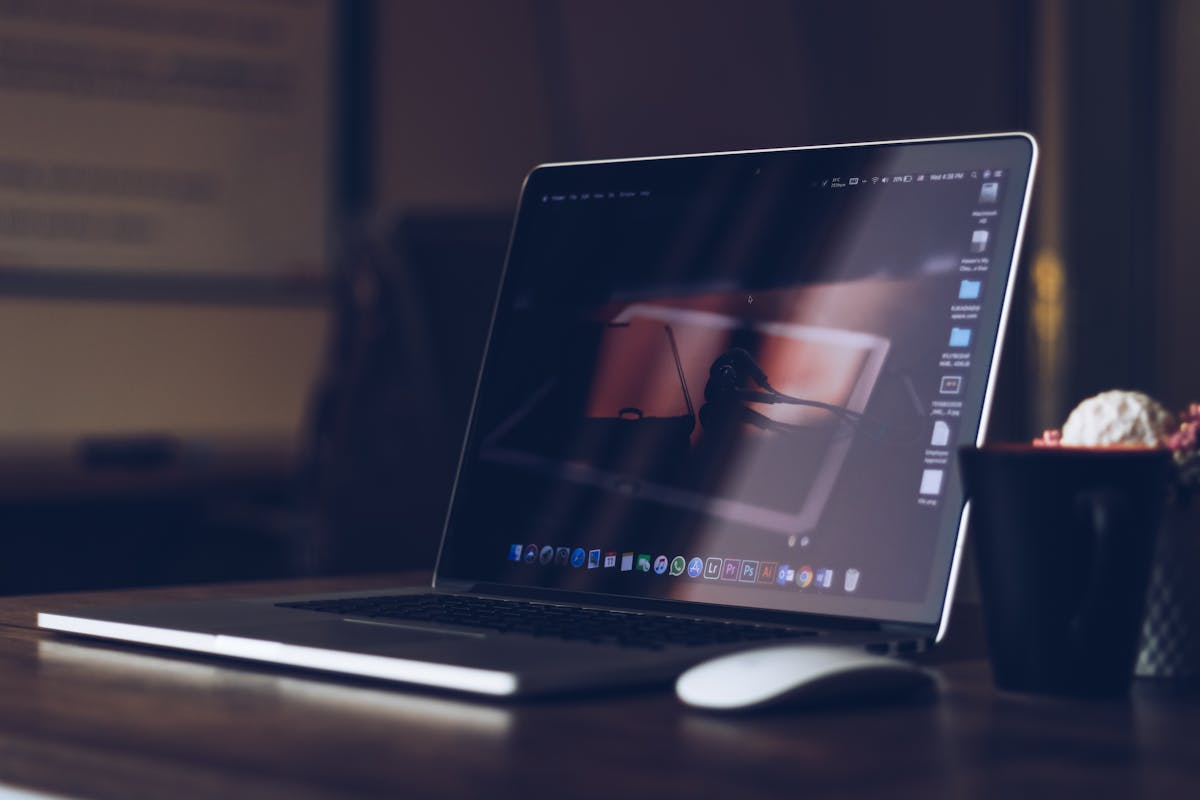
Looking for the best screen recorder for Mac? Here are our top 10 picks for 2026.
Free Screen Recorders for Mac
1. QuickTime Player (Free)
Built-in to every Mac. Simple and effective for basic screen recording. No installation needed.
2. OBS Studio (Free)
Professional-grade screen recording and live streaming. Highly customizable with powerful features.
3. Loom (Free)
Quick and easy screen recording with instant sharing. Great for work communication.
4. Kap (Free)
Open-source screen recorder with simple interface. Exports to GIF and MP4.
Paid Screen Recorders for Mac
5. ScreenFlow ($129)
The gold standard for Mac screen recording. Excellent editing tools and annotations.

6. Camtasia ($249)
Professional video editor with screen recording. Great for creating tutorials with annotations.
7. CleanShot X ($14)
Lightweight and fast. Perfect for quick screen captures. One-time purchase.
8. Screen Studio ($19)
AI-powered screen recording with automatic zoom and smooth cursor effects.
9. ActivePresenter ($49)
Full-featured screen recorder and video editor. Great for educational content.
10. Screeny ($9.99)
Simple menu bar screen recorder. Great for quick recordings.
How to Choose
For basic use: QuickTime or Loom
For tutorials: ScreenFlow or Camtasia
For professionals: OBS Studio
For quick captures: CleanShot X or Screen Studio
Conclusion
Mac users have plenty of excellent screen recording options. Choose the one that fits your needs!