
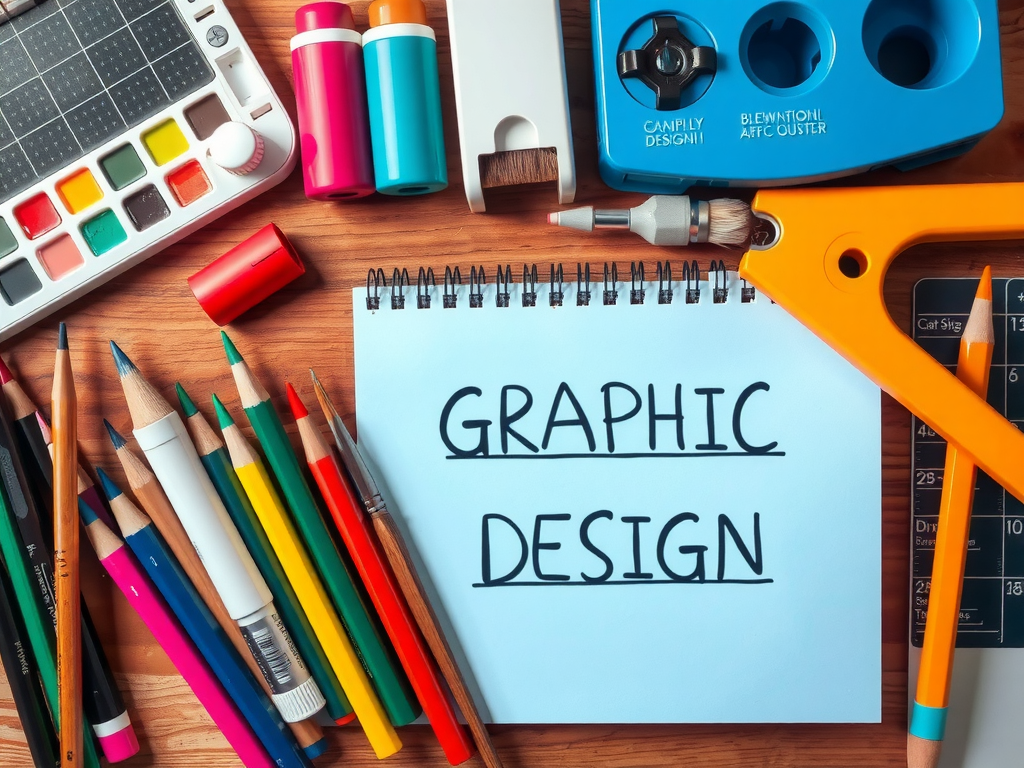
Starting your journey in graphic design doesn’t have to be expensive. In 2026, there are numerous free tools available that can help you create stunning designs. This comprehensive guide covers the best free graphic design tools for beginners. For more design resources, visit our Resources section.
Why Use Free Graphic Design Tools?
Free tools provide an excellent starting point for beginners to learn design fundamentals without investing in expensive software. Many professional designers still use these free tools for quick mockups and simple projects.
1. Canva
Canva offers a drag-and-drop interface with thousands of templates. Perfect for social media graphics, presentations, and basic marketing materials. The free plan includes access to most features and templates. Visit Canva.
2. GIMP
GIMP is a powerful free alternative to Photoshop. It offers advanced photo editing capabilities, layers, filters, and custom brushes. Ideal for users who need professional-level editing without the cost. Learn more at GIMP.
3. Inkscape
Inkscape is a professional vector graphics editor. It supports SVG format, path operations, text tool, and complex transformations. Perfect for creating logos, icons, and illustrations. See Inkscape.
4. Figma (Free Tier)
Figma is a collaborative interface design tool. The free tier allows unlimited projects and files, making it excellent for UI/UX design and prototyping. Check out Figma.
5. Pixlr
Pixlr offers both web and mobile versions with layer-based editing. Great for quick photo adjustments and creating social media content on the go. Visit Pixlr.
6. Krita
Krita is a digital painting program designed for illustrators and comic artists. It offers advanced brush engines, vector tools, and animation capabilities – all free. Learn more at Krita.
7. Gravit Designer
Gravit Designer is a powerful vector design tool that works in the browser or as a desktop app. It offers advanced vector editing features for free. See Gravit Designer.
8. Vectr
Vectr is a simple yet powerful vector graphics editor. It’s perfect for beginners learning vector design and offers real-time collaboration features. Visit Vectr.
9. Photopea
Photopea is a web-based photo editor that looks and feels like Photoshop. It supports PSD files and offers advanced editing features in the browser. Learn more at Photopea.
10. Canva for Education
Free for students and educators, this version includes additional features and templates specifically designed for educational purposes.
11-20. More Essential Tools
Other essential free design tools include Sumo Paint, Creative Market for free assets, DaVinci Resolve for video color grading, SVGOMG for SVG optimization, Remove.bg for background removal, Coolors for color palettes, Google Fonts for typography, Unsplash for free images, and Font Awesome for icons.
How to Choose the Right Tool
Consider your specific needs: For photo editing, try GIMP or Photopea. For vector work, use Inkscape or Vectr. For social media graphics, Canva is perfect. Start with one tool and master it before moving to others. For more design tutorials, check our How-To section.
Conclusion
2026 offers more free design tools than ever. These 25 tools provide everything a beginner needs to start creating professional-looking designs. Start with Canva for ease of use, then gradually explore more advanced tools as your skills grow.
FAQ
What is the best free graphic design tool for beginners?
Canva is the best starting point for beginners due to its intuitive interface and extensive template library.
Is GIMP a good alternative to Photoshop?
Yes, GIMP is a powerful free alternative with professional-grade features including layers, filters, and custom brushes.
Can I use these tools for commercial projects?
Most free tools can be used for commercial projects, but check each tool’s license terms for specific restrictions.
Leave a Reply