
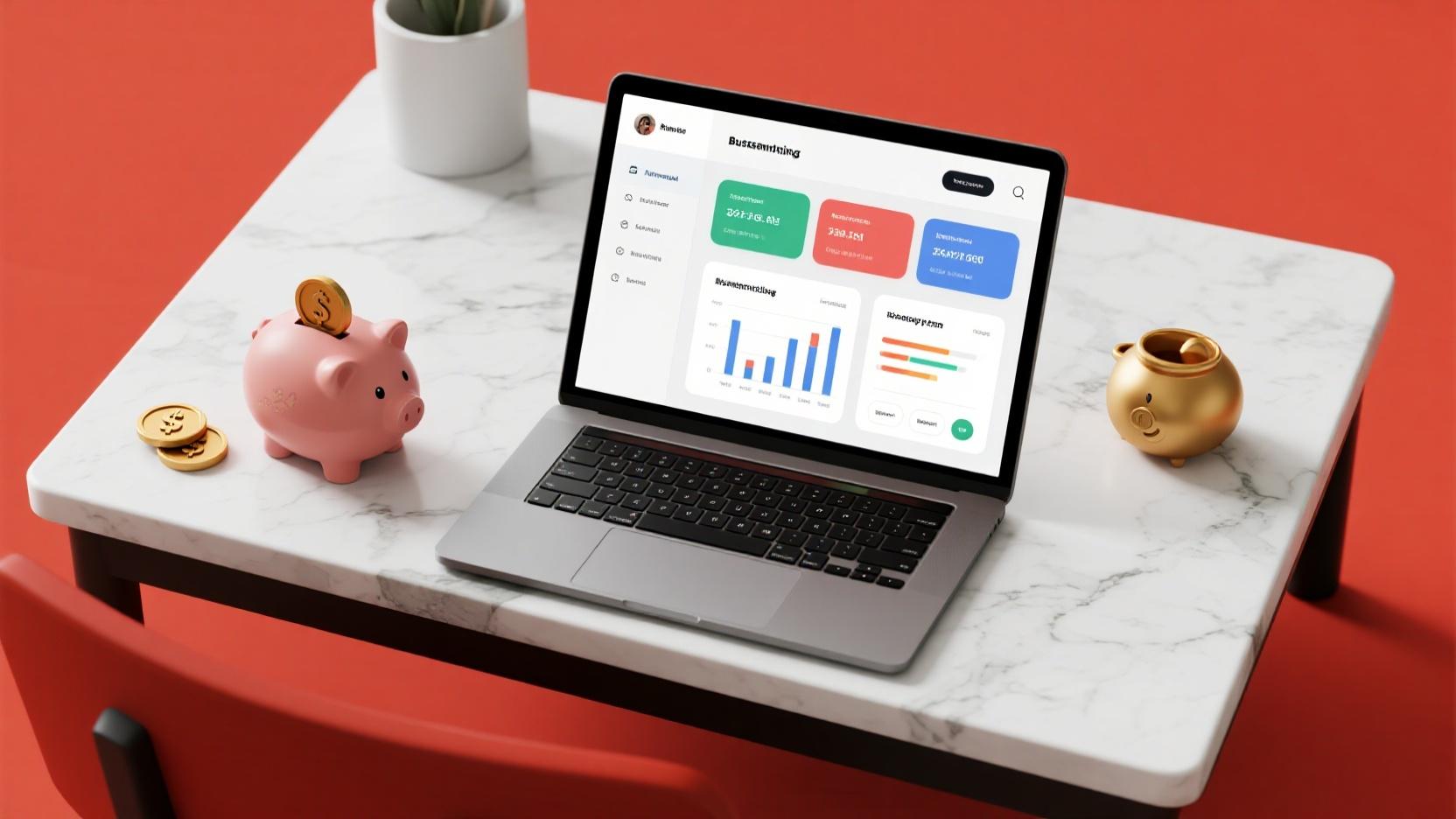
10 Best Free Budgeting Apps for Small Business in 2026
Introduction
Finding the right budgeting apps for small business shouldn’t cost a fortune. Yet many entrepreneurs struggle with spreadsheets, outdated software, or expensive subscriptions that eat into razor-thin margins. The good news? In 2026, a new generation of free budgeting tools delivers professional-grade financial management without the price tag.
Whether you’re a freelancer tracking project income, a retail shop managing inventory costs, or a startup watching every dollar, the right app can transform your financial clarity. We tested dozens of free options to bring you this definitive guide to the best free budgeting apps for small business available this year.
1. Wave — Best All-in-One Free Accounting Software
Wave remains the gold standard for small businesses seeking a genuinely free accounting solution. With no hidden fees, no artificial limits on invoices or clients, and a feature set that rivals paid platforms, Wave has earned its place at the top of this list.
The platform offers unlimited invoicing, receipt scanning, and financial reporting completely free. Its accounting module handles accounts payable and receivable, general ledger entries, and cash flow tracking with remarkable ease. For small businesses that need professional invoices but can’t justify the cost of QuickBooks or FreshBooks, Wave is a revelation.
Wave’s mobile app brings core functionality to your phone, allowing you to send invoices on the go, capture receipts with your camera, and check your cash position from anywhere. The automatic receipt data extraction saves hours of manual entry, while the reconcile feature helps you stay on top of bank transactions.
The one limitation to understand is that Wave earns revenue from payment processing (2.9% + $0.60 per card transaction) and optional payroll services ($45/month base + per-employee fees). But if you process payments through your own gateway, you can use the accounting and invoicing functions entirely free.
Best for: Freelancers, service-based small businesses, and solo entrepreneurs who need full accounting functionality without subscription costs.
2. GnuCash — Best Open-Source Desktop Budgeting App
GnuCash is the go-to choice for small business owners who want complete control over their financial data without relying on cloud services. As open-source software, it has no subscription fees, no internet dependency, and no vendor lock-in. Your financial data stays on your machine, period.
Despite being free, GnuCash packs an impressive array of features. Double-entry accounting, accounts payable/receivable, stock/bond/fund tracking, and payroll management are all included. The application supports multiple currencies, making it suitable for small businesses with international clients or suppliers. Its reports—balance sheets, profit & loss statements, cash flow reports—are thorough and professional.
GnuCash stores data locally in its own format or exports to standard formats like QIF, OFX, and CSV. This flexibility means you’re never trapped. You can migrate to any other accounting platform by exporting your data at any time. The built-in scheduled transaction feature automates recurring entries, reducing the daily grind of data entry.
The learning curve is steeper than cloud-based alternatives—GnuCash has the interface of traditional desktop accounting software. But for business owners willing to invest a few hours learning double-entry principles, the power and data security benefits are substantial. The Android companion app allows you to view your accounts on the go, even if full editing requires the desktop application.
Best for: Privacy-conscious small business owners with basic to intermediate accounting knowledge who prefer offline software.
3. Money Manager Ex — Best Free Budgeting App for Expense Tracking
Money Manager Ex delivers an exceptional balance of functionality and simplicity. This open-source personal finance application has evolved into a credible small business budgeting tool, offering features that cost hundreds of dollars in commercial alternatives.
At its core, Money Manager Ex excels at expense tracking and budget management. You can categorize transactions, set monthly budgets for each category, and receive visual alerts when spending approaches limits. The check printing feature and account reconciliation tools bring real business utility to this free platform.
The application uses a SQLite database under the hood, which means your data is portable, fast, and doesn’t require a database server. Reports are comprehensive—cash flow analysis, expense breakdowns by category, asset tracking, and liability management are all available. You can also track investments and loans, making Money Manager Ex suitable for small business owners who wear multiple financial hats.
Data import from CSV and QIF files is straightforward, and scheduled transactions handle recurring bills and income automatically. The interface, while dated in appearance, is remarkably intuitive once you understand the account-and-category structure. Reports export to HTML and CSV, enabling further analysis in spreadsheet applications.
The portable version runs from a USB drive without installation—ideal for business owners who work across multiple computers or need to access their financial data at client sites.
Best for: Small businesses that prioritize detailed expense tracking and budget monitoring with a one-time investment of setup time.
4. Zoho Invoice — Best Free Invoicing and Billing App
Zoho Invoice, part of the renowned Zoho suite, offers a genuinely free tier that covers the essential invoicing and billing needs of most small businesses. The platform combines professional invoice design with automation features that save hours of administrative work.
The free plan includes unlimited invoices, automated payment reminders, time tracking, and online payment acceptance. You can customize invoice templates with your brand colors and logo, set up recurring invoices for retainer clients, and track project hours that bill directly to clients. The client portal feature lets customers view and pay invoices online without email back-and-forth.
Zoho Invoice integrates seamlessly with the broader Zoho ecosystem—if your business already uses Zoho Books, CRM, or other Zoho products, the integration provides a unified financial dashboard. Even standalone, the invoice automation features are sophisticated: customizable email templates, late payment penalties, multi-currency support, and tax configuration for different jurisdictions.
The mobile apps (iOS and Android) are well-designed, allowing you to create and send invoices from anywhere. The time tracking feature is particularly useful for consultants and service businesses that bill by the hour. Project profitability reports show which engagements are actually worth your time.
The free tier has some limitations: advanced features like workflow automation and custom fields require paid plans. But for a small business focused primarily on client billing and basic expense tracking, Zoho Invoice’s free tier goes remarkably far.
Best for: Service-based small businesses and freelancers who need professional invoicing, time tracking, and client payment management.
5. FoxyFinance — Best Simple Free Budgeting App for Non-Accountants
FoxyFinance is a breath of fresh air for small business owners who find traditional accounting software overwhelming. Its interface strips away complexity while maintaining the financial clarity small businesses actually need.
The app focuses on income and expense tracking with an emphasis on visual budget management. Rather than presenting endless tables and registers, FoxyFinance uses charts and dashboards that show your financial health at a glance. This approach is particularly valuable for business owners who are financial novices but need to make smart decisions about spending.
FoxyFinance supports multiple business accounts, categorization of transactions, and budget setting. You can connect bank accounts for automatic transaction import, reducing manual entry to a minimum. The app’s reports—profit summaries, expense breakdowns, and cash flow projections— are clear enough for a quick morning review before important meetings.
One of FoxyFinance’s standout features is its educational component. The app explains financial concepts in plain language as you use it, helping non-accountant entrepreneurs build genuine financial literacy over time. This makes it an excellent choice for first-time business owners who want to understand their numbers, not just see them.
The free version covers core budgeting features. Paid upgrades add invoicing, time tracking, and advanced reporting for businesses that grow beyond basic needs.
Best for: Non-accountant small business owners who want visual financial clarity and gradually improving financial literacy.
6. ZipBooks — Best Free Budgeting App for Growing Small Businesses
ZipBooks positions itself as “accounting software that grows with you,” and its free tier genuinely delivers substantial value for small businesses in early stages. The platform emphasizes automation and intelligent features that typically appear only in premium software.
The free plan includes unlimited invoicing, expense tracking, time tracking, and basic financial reports. Smart Search, ZipBooks’ AI-powered feature, helps you find any transaction, client, or invoice instantly—particularly useful as your business data accumulates. The platform automatically categorizes your expenses using machine learning, dramatically reducing manual data entry.
ZipBooks’ visual dashboards present your financial position clearly: revenue trends, expense breakdowns, and profit margins are all visible from a single screen. The accounts receivable aging report helps you stay on top of outstanding invoices, while the profit & loss statement updates in real time as you record transactions.
The platform integrates with third-party services like PayPal, Stripe, and Square for payment processing, and supports automatic bank feeds from most major financial institutions. Project profitability tracking shows which clients and projects generate the most profit, enabling smarter pricing decisions.
Paid tiers add features like automated bookkeeping, full-service payroll, and advanced inventory management. But even at the free level, ZipBooks provides more automation and intelligence than most paid alternatives.
Best for: Growing small businesses that want intelligent automation features and a platform that scales as needs become more complex.
7. Invoice Ninja — Best Open-Source Free Invoicing Platform
Invoice Ninja is the open-source champion of free invoicing, offering a self-hosted option that gives small businesses complete data ownership alongside a hosted platform with a generous free tier. This dual approach makes it uniquely flexible.
The self-hosted version is entirely free with no feature restrictions—you download the software, install it on your own server, and run your invoicing operations with zero ongoing costs. For businesses with technical resources, this provides enterprise-level control without enterprise-level pricing. The hosted version’s free plan covers up to $25,000 in invoices annually, more than sufficient for most micro-businesses and freelancers.
Features across both versions include proposal/quote management, time tracking, expense tracking, and recurring invoices. You can accept online payments through over 40 payment gateways, including Stripe, PayPal, and Square. The client portal allows customers to view invoices, make payments, and download statements. Custom invoice templates support your brand identity, and multi-language, multi-currency capabilities serve internationally active businesses.
The mobile apps (iOS and Android) provide full invoicing functionality on the go, including offline mode that syncs when connectivity returns. The expense capture feature using your phone’s camera turns paper receipts into digital records automatically.
Best for: Small businesses and freelancers who value open-source software, data ownership, and need a full-featured invoicing platform without subscription fees.
8. Manager — Best Free Desktop Accounting Software for Small Business
Manager is a surprisingly powerful free desktop accounting application that follows standard accounting principles while remaining accessible to non-accountants. Its perpetual free edition includes features that many “paid” small business accounting packages lock behind subscription walls.
The software handles double-entry bookkeeping, inventory management, invoicing, and tax tracking with genuine professionalism. Multiple businesses can be managed from a single installation—each business gets its own separate data file, making Manager suitable for entrepreneurs running several ventures. The invoice designer creates professional documents without external tools, and the customizable chart of accounts adapts to your specific business structure.
Manager’s inventory tracking capabilities are particularly noteworthy in this price category. You can track stock levels, set reorder points, generate purchase orders, and value inventory using FIFO or weighted average methods. For retail and e-commerce small businesses, this level of inventory management is typically only available in expensive enterprise solutions.
The application runs entirely offline and stores data locally in SQLite format. You can extend functionality with custom fields and tables. The free edition’s feature set covers the vast majority of small business accounting needs without limitation.
Import and export capabilities are comprehensive—CSV, XLS, and other standard formats are supported, ensuring your data is never trapped. The interface is functional if not sleek, but for financial software, clarity matters more than visual polish.
Best for: Small businesses needing inventory management and multi-business accounting in a free, offline-capable desktop application.
9. Bright Wallet — Best Free Mobile-First Budgeting App for Small Business
Bright Wallet brings a modern, mobile-first approach to small business budgeting. Designed from the ground up for smartphones, it offers an experience that feels native to how small business owners actually work—on the go, in short sessions, with quick decisions needed.
The app’s automatic expense categorization using AI analyzes your transactions and groups spending into meaningful categories without manual tagging. Over time, the system learns your business patterns and becomes increasingly accurate. Real-time budget alerts notify you when you’re approaching category limits, helping prevent budget overruns before they happen.
Bright Wallet’s cash flow forecasting feature analyzes your income and expense patterns to predict future financial positions. This forward-looking view helps small business owners plan for lean months, manage seasonal fluctuations, and make informed decisions about investments or hiring.
The shared team access feature makes Bright Wallet suitable for small business teams where multiple people manage finances. Role-based permissions ensure that team members see only what they need to see. Receipt scanning with OCR technology extracts vendor, amount, and date automatically, building your expense records from real-world receipts.
The free tier covers core budgeting and expense tracking features. Premium tiers add multi-currency support, advanced forecasting, and integration with accounting platforms for businesses that outgrow Bright Wallet’s native capabilities.
Best for: Small business owners who primarily work from mobile devices and want AI-powered categorization with forward-looking cash flow insights.
10. Slick Pie — Best Free Budgeting App for Freelancers and Creative Small Businesses
Slick Pie rounds out our list as a specialized free tool for freelancers, creatives, and small service businesses. Its design philosophy prioritizes simplicity without sacrificing the professional features that small businesses need to project credibility to clients.
The platform’s automatic invoice generation from time tracked is a standout feature. Log hours in the built-in time tracker, and Slick Pie converts them into professional invoices with a single click. This seamless workflow is invaluable for consultants, designers, writers, and other professionals who bill by the hour but hate administrative work.
Slick Pie’s free plan covers unlimited invoices, time tracking, expense tracking, and up to three clients. For freelancers just starting, this is more than adequate. The client management system stores contact information, payment history, and communication notes in one place, reducing the chaos of managing multiple client relationships.
Online payment acceptance through major gateways means clients can pay with credit cards or bank transfers directly from invoices. Automatic payment reminders reduce the awkwardness of chasing late payments. The financial dashboard shows revenue, outstanding invoices, and expenses in a clean visual format that makes business health immediately understandable.
The built-in proposal feature lets you create professional quotes and convert accepted proposals directly into invoices, streamlining the entire sales-to-payment cycle.
Best for: Freelancers and creative professionals who need integrated time tracking, invoicing, and basic expense management without complexity.
Key Features to Look for in Free Budgeting Apps
Not all free budgeting apps are created equal. Before committing to a platform, small business owners should evaluate several critical features that determine whether a free tool will genuinely serve their needs or create frustration down the road.
Data portability is paramount. Your financial data is your business’s lifeblood. Choose apps that export to standard formats (CSV, QIF, PDF, OFX) without artificial restrictions. Cloud-based platforms should let you download a complete backup. The last thing you need is to discover, months or years in, that your data is locked into a platform you’ve outgrown.
Transaction limits deserve scrutiny. Some “free” apps cap the number of transactions, clients, or invoices per month. A platform that allows only 25 transactions monthly might seem adequate today but becomes a prison as your business grows. Wave and Zoho Invoice stand out for offering genuinely unlimited core features.
Security practices matter regardless of whether you’re using cloud or desktop software. Cloud platforms should offer two-factor authentication, data encryption in transit and at rest, and SOC 2 compliance. Desktop applications should store data in secure, standard formats with optional encryption.
Customer support quality varies dramatically in free tiers. Some platforms offer community forums and documentation only, while others provide chat or email support even at free levels. Understand what happens when you encounter problems—because you will encounter problems eventually.
Scalability should be evaluated against your growth trajectory. An app that works perfectly for a freelancer with one account may crumble under the weight of a five-person business with inventory, payroll, and multiple bank accounts. Choose platforms that offer clear upgrade paths to paid tiers that won’t require starting from scratch.
How to Choose the Right Budgeting App for Your Small Business
The “best” budgeting app depends entirely on your specific business context. A restaurant owner has fundamentally different needs from a freelance graphic designer, and both have different priorities than an e-commerce entrepreneur shipping products nationwide.
Start by assessing your current pain points. If late payments are destroying your cash flow, prioritize invoicing and payment tracking features. If you constantly overspend in certain categories, choose an app with strong budget monitoring and alerts. If you’re overwhelmed by tax season, select a platform with solid tax category management and report generation.
Consider your technical comfort level. Desktop applications like GnuCash and Manager offer unmatched data control but require more technical savvy and time investment. Cloud platforms like Wave and Zoho Invoice offer immediate usability but require trust in third-party data handling. Mobile-first apps like Bright Wallet suit owners who manage finances in short bursts throughout the day.
Evaluate your business complexity. A sole proprietor with simple income and expenses can thrive with any of the apps on this list. A small business with employees, inventory, multiple bank accounts, and tax obligations in multiple jurisdictions needs a more robust platform—even if that means investing in a paid tier eventually.
Finally, take advantage of free trials. Most of these platforms offer demo accounts or free tiers that let you explore before committing. Build a few sample transactions, generate a report, and simulate your actual workflow. The 30 minutes spent testing prevents months of frustration with the wrong tool.
For additional small business tools, explore our guides on free inventory management software and free expense tracking software to build a complete financial technology stack without spending a dime.
Frequently Asked Questions
Q: Are truly free budgeting apps safe to use for business finances?
A: Yes, the apps featured in this guide are from reputable developers with established track records. Wave, GnuCash, Zoho Invoice, and other platforms have been used by millions of businesses worldwide. However, always verify you’re downloading from official sources, enable two-factor authentication on cloud platforms, and maintain your own backups of critical financial data regardless of which platform you choose.
Q: Can I use multiple free budgeting apps together?
A: Absolutely. Many small businesses use complementary tools—for example, FoxyFinance for real-time budget monitoring alongside Wave for comprehensive accounting, or Manager for inventory management combined with Zoho Invoice for client billing. As long as both platforms can import/export common formats like CSV, you can build a custom stack that covers all your needs using entirely free tools.
Q: What’s the catch with “free” accounting software?
A: The business models vary. Wave makes money from payment processing and optional payroll services. Zoho Invoice’s free tier is designed to convert users to paid Zoho ecosystem products. GnuCash and Manager are community-developed open-source projects sustained by donations and volunteer effort. None of these approaches are inherently problematic—but understanding how your platform earns revenue helps you anticipate potential limitations or feature changes.
Q: Do free budgeting apps include tax preparation features?
A: Most free budgeting apps provide the financial data and reports you need to prepare taxes, but few offer full tax filing integration in free tiers. Look for platforms that generate Schedule C-compatible profit & loss reports, track deductible expenses by category, and export to formats compatible with tax software like TurboTax or QuickBooks Self-Employed. Combining a free budgeting app with dedicated tax software typically provides better results than relying on any single platform for everything.
Q: How do free budgeting apps handle data if the company shuts down?
A: Desktop and open-source apps like GnuCash and Manager store data locally, so you retain full control regardless of the company’s fate. Cloud platforms vary— reputable services allow complete data export and provide notice periods before shutting down. Always maintain independent backups of your financial data, especially when relying on cloud-based platforms. Your business’s financial records are too important to depend entirely on any single service provider.
Q: Which free budgeting app is best for a business with employees?
A: Most free budgeting apps focus on accounting, invoicing, and expense management rather than full HR and payroll functions. For small businesses with employees, consider starting with Wave (paid payroll add-on required but base accounting is free) or ZipBooks as your primary platform, supplemented by dedicated payroll services for payroll processing. Remember that payroll tax compliance is complex— even if an app handles calculations, verify it stays current with tax law changes in your jurisdiction.
Conclusion
Budgeting apps for small business don’t have to drain your budget. The ten tools explored in this guide represent the best of what’s genuinely available for free in 2026—platforms that deliver real value without subscription fees or artificial restrictions.
Whether you need comprehensive accounting (Wave, GnuCash), professional invoicing (Zoho Invoice, Invoice Ninja), visual budget management (FoxyFinance, Bright Wallet), inventory tracking (Manager), or time-based billing (Slick Pie), there’s a free solution here that fits your needs.
The most important step is to start. Download two or three options, test them with your actual business data for a week or two, and commit to the one that feels right. Financial clarity won’t happen by itself, but with the right free tool in your corner, building that clarity becomes genuinely achievable—without spending a single dollar.
For more ways to optimize your small business operations, check out our comparison of shared inbox software for small business teams to streamline communication alongside your finances.
Leave a Reply