

Understanding your customers is the foundation of growing any small business, and surveys are one of the most direct ways to gather that understanding. Free survey creator tools for small business teams give you the power to collect customer feedback, measure satisfaction, and make data-driven decisions—all without spending a fortune on enterprise survey platforms.
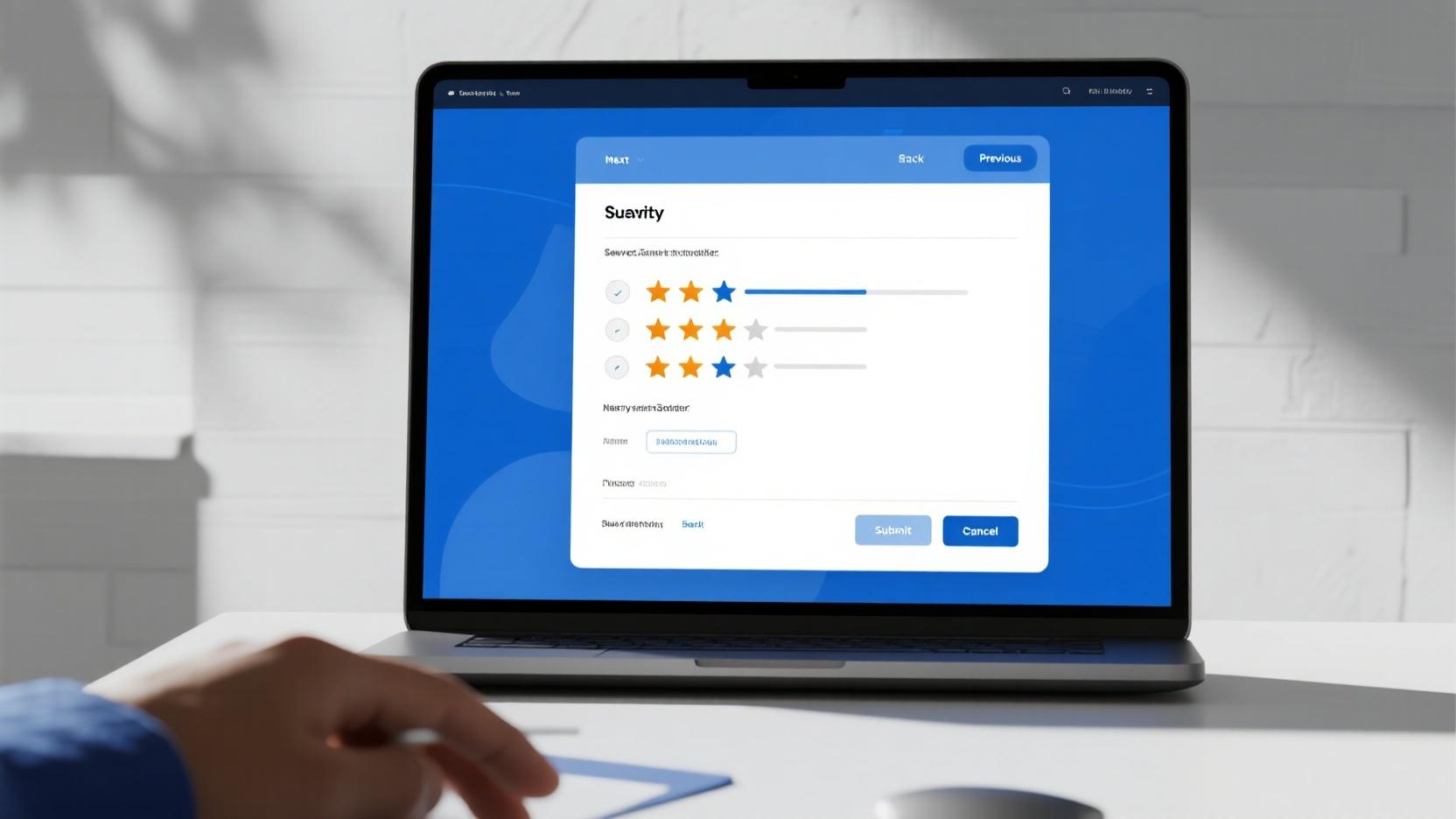

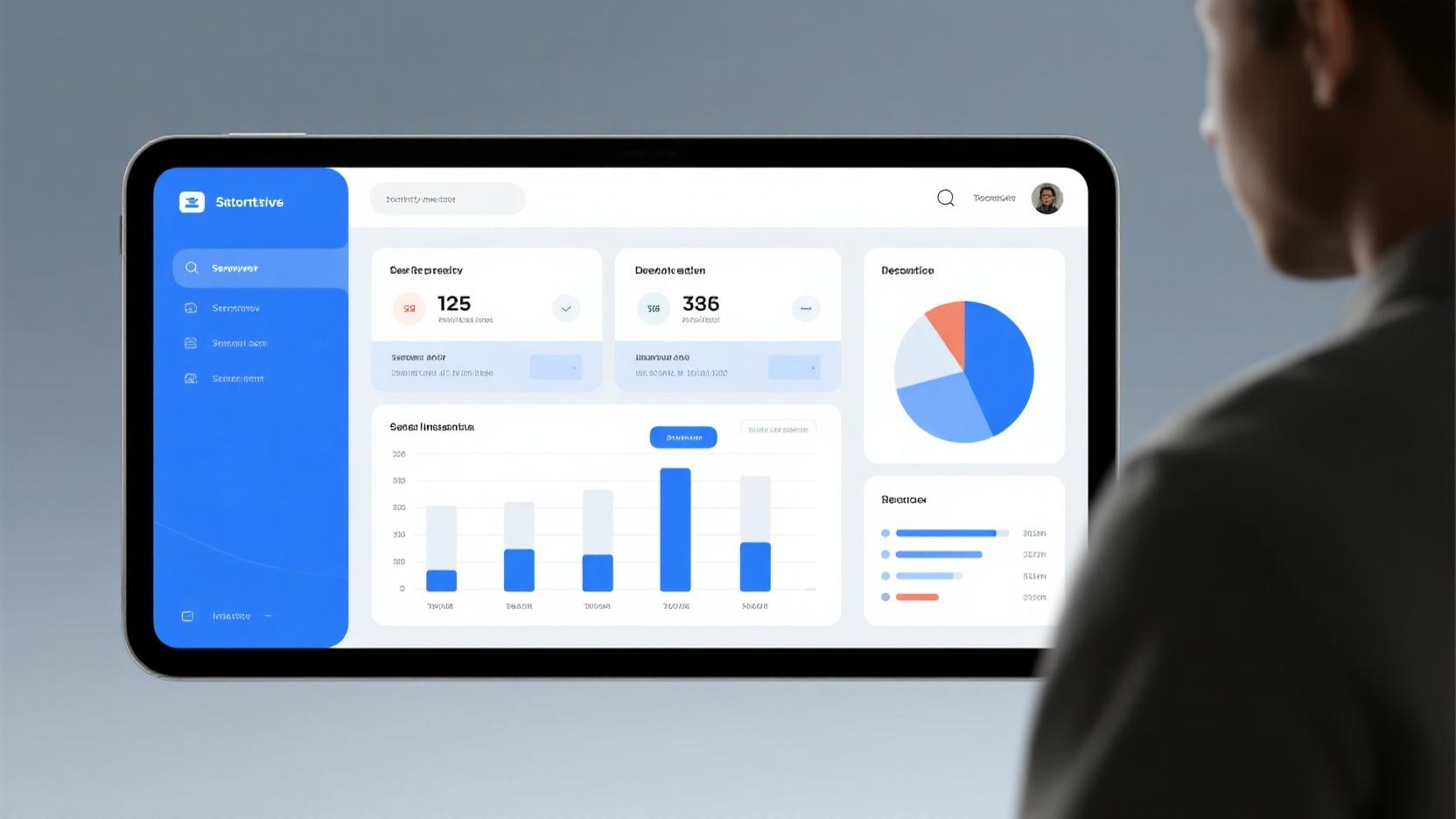
In 2026, the market for free survey tools has expanded significantly. Whether you need customer satisfaction scores, employee feedback, event polling, or market research, there is a capable free option available. Here is our comprehensive guide to the best free survey creators this year.
Why Free Survey Tools Matter for Small Business Growth
Small businesses often assume that meaningful customer research requires expensive consultants or enterprise software licenses. This assumption is wrong. The best free survey creator tools deliver professional-grade survey capabilities—logic branching, analytics, white-label customization, and data export—at zero cost.
The value of survey data compounds over time. A single customer satisfaction survey tells you how one customer feels today. A survey program running quarterly tells you how satisfaction trends over time, which changes move the needle, and whether your improvement initiatives are actually working. This longitudinal insight is extraordinarily valuable for small businesses competing against larger vendors with bigger research budgets.
Common use cases for free survey tools in small business include: measuring Net Promoter Score (NPS) to track customer loyalty, conducting post-purchase follow-ups to identify friction points, running employee engagement surveys to reduce turnover, gathering event feedback after workshops or webinars, and testing new product or service ideas before investing development resources.
Top 10 Best Free Survey Creator Tools for Small Business 2026
1. Google Forms — Best Free Survey Creator for Simplicity and Integration
Price: Free with Google account | Best for: Small businesses already in Google Workspace seeking quick, no-frills surveys
Google Forms is the easiest entry point into survey creation, offering unlimited surveys and responses at zero cost. The platform is completely free with any Google account, with no premium tier to upgrade to. Forms integrates natively with Google Sheets, automatically compiling all responses into a spreadsheet for analysis.
The survey builder is straightforward: choose from a library of question types (multiple choice, linear scale, checkboxes, dropdowns, dates, paragraphs), arrange them in order, apply a theme, and share via link, email, or embedded HTML. While Google Forms lacks the advanced logic branching and sophisticated styling of paid alternatives, it covers the essentials with zero learning curve. Responses are collected in a connected spreadsheet where you can filter, chart, and analyze data using familiar spreadsheet tools.
Standout free features: Unlimited surveys and responses, Google Sheets integration, 15 question types, and completely free with no upgrade pressure.
2. Typeform — Best Free Survey Creator for Conversational Experience
Price: Free plan up to 10 questions per form | Paid plans from $25/month | Best for: Small businesses wanting beautiful, conversational surveys that engage respondents
Typeform revolutionized online surveying by introducing a conversational, one-question-at-a-time format that dramatically increases completion rates. Instead of long scrolling forms, Typeform presents each question full-screen, creating an experience that feels more like a chat than a traditional survey. This approach consistently produces higher completion rates and more thoughtful responses.
The free plan supports unlimited responses for up to 10 questions per form, making it ideal for short, focused surveys. Typeform’s template library covers common small business use cases: customer satisfaction, contact information, event RSVP, and product feedback. The platform also offers logic branching on the free plan, allowing you to show or hide questions based on previous answers—a feature many competitors gate behind paid tiers.
Standout free features: Conversational one-question format, logic branching, beautiful templates, and higher-than-average completion rates.
3. SurveyMonkey — Best Free Survey Creator for Templates and Expertise
Price: Free plan with 10 questions and 100 responses per survey | Paid plans from $25/month | Best for: Small businesses wanting professionally designed templates backed by survey methodology expertise
SurveyMonkey is the most established name in online surveying, with over 20 years of survey design expertise baked into its platform. The free plan includes 10 questions and 100 responses per survey, which is sufficient for many small business use cases—particularly one-off pulse surveys and event feedback collection.
What sets SurveyMonkey apart is its template library, which includes expert-designed surveys for common business scenarios: customer satisfaction (with NPS calculation built in), employee engagement, market research, and event planning. These templates incorporate question-wording best practices developed from billions of survey responses, giving small businesses access to methodology that would otherwise require a research consultant.
Standout free features: Expert-designed templates, NPS calculator, mobile-optimized surveys, and 25+ question types.
4. JotForm — Best Free Survey Creator for Form Features and Customization
Price: Free plan up to 5 forms and 100 submissions/month | Paid plans from $39/month | Best for: Small businesses needing highly customizable surveys with advanced field types
JotForm stands out for its extraordinary breadth of form fields and customization options. Beyond standard survey questions, JotForm supports e-signatures, file uploads, appointment scheduling, product orders, and PDF generation—effectively functioning as a lightweight form builder that handles surveys alongside other business data collection needs.
The free plan covers five active forms with 100 monthly submissions, which works well for occasional survey campaigns. JotForm’s drag-and-drop builder is intuitive, and the platform offers hundreds of pre-built form templates organized by industry and use case. Each form can be customized with your branding, custom fonts, and embedded widgets for enrichment (maps, payment processors, social media).
Standout free features: 100+ field types, PDF generation, e-signature support, extensive template library, and drag-and-drop customization.
5. Microsoft Forms — Best Free Survey Creator for Microsoft 365 Teams
Price: Free with Microsoft 365 account | Best for: Small businesses already in the Microsoft ecosystem wanting simple internal and external surveys
Microsoft Forms offers a clean, straightforward survey experience for users already embedded in Microsoft 365. The platform is free for work or school accounts, with no survey or response limits on the free tier. Responses automatically aggregate in Excel Online, where you can analyze data using the full power of spreadsheet formulas and charts.
The survey builder supports 11 question types including rating scales, Net Promoter Score, text, and multiple choice. Microsoft Forms includes basic logic branching—showing or hiding follow-up questions based on answers—and generates real-time result charts as responses come in. For small businesses running on Microsoft 365, it is the most friction-free survey option available.
Standout free features: Unlimited surveys and responses, Excel Online integration, real-time result charts, and zero learning curve for Microsoft users.
6. Tally — Best Free Survey Creator for Speed and Minimalism
Price: Free for unlimited forms and responses | Best for: Small businesses wanting a clean, distraction-free survey tool without upgrade pressure
Tally is a relative newcomer that has built a loyal following by doing one thing exceptionally well: providing a completely free, unlimited survey tool with no artificial constraints. Unlike competitors that cap responses or question counts on free plans, Tally offers genuinely unlimited surveys and submissions.
The builder interface is minimal and fast—a stark contrast to bloated enterprise survey platforms. You create questions, customize the theme with your brand colors, and share via link. Tally supports 15 question types, logic branching, file uploads, and custom thank-you pages. There is nowatermark on submissions, no Tally branding on your surveys, and no nagging upgrade prompts. The platform is funded by a generous free model that trusts users to upgrade when they genuinely need advanced features.
Standout free features: Genuinely unlimited surveys and submissions, no watermarks, no branding, and distraction-free interface.
7. LimeSurvey — Best Free Open-Source Survey Creator
Price: Free and open source (self-hosted) | Paid cloud plans from $25/month | Best for: Small businesses wanting complete data ownership and advanced survey features without per-response fees
LimeSurvey is one of the most powerful open-source survey platforms available, offering professional-grade features at no cost. The self-hosted version runs on your own server, giving you complete ownership of your survey data—no third-party data hosting, no vendor lock-in, and no per-response fees that can make other free plans feel limiting as you scale.
The platform supports 25+ question types, extensive logic branching, quota management, randomization, and multi-language surveys. Advanced features like pseudo-anonymization, response token management, and statistical analysis tools rival enterprise survey platforms. For small businesses with technical resources or specific data privacy requirements, LimeSurvey is a compelling free option.
Standout free features: Complete data ownership, advanced question types and logic, unlimited questions and responses (self-hosted), and professional survey features.
8. Zoho Survey — Best Free Survey Creator for Ecosystem Integration
Price: Free for up to 10 surveys and 100 responses/month | Paid plans from $10/month | Best for: Small businesses already using or planning to use Zoho products
Zoho Survey is part of the Zoho business suite, connecting survey responses directly into your CRM, analytics, and workflow automation tools. Like other Zoho products, it offers a clean interface with enough depth to handle complex surveying needs while remaining accessible to beginners.
The free plan covers 10 surveys with 100 responses per month, with unlimited questions per survey and access to over 30 templates. Zoho Survey includes logic branching, custom branding, and multi-language support. Responses integrate with Zoho Analytics for advanced reporting, and the platform works seamlessly with other Zoho products for businesses building a comprehensive business management ecosystem.
Standout free features: 30+ templates, multi-language surveys, Zoho ecosystem integration, and unlimited questions per survey.
9. QuestionPro — Best Free Survey Creator for Research Features
Price: Free plan up to 10 questions and 100 responses/survey | Paid plans from $25/month | Best for: Small businesses wanting research-grade survey features including advanced analytics
QuestionPro offers a surprising amount of research-grade functionality in its free plan, including advanced question types (conjoint analysis, MaxDiff, Turf analysis) typically reserved for enterprise research platforms. While the free tier limits you to 10 questions and 100 responses per survey, the quality of available features makes it worth considering for targeted research projects.
The platform includes survey logic and branching, white-label customization, real-time analytics dashboards, and benchmark data that lets you compare your results against industry averages. For small businesses serious about research—not just collecting opinions but understanding the why behind customer behavior—QuestionPro’s free tier offers genuine value.
Standout free features: Advanced research question types, industry benchmarking, white-label customization, and real-time analytics.
10. Paperform — Best Free Survey Creator for Beautiful, Brand-Aligned Surveys
Price: Free plan up to 3 forms | Paid plans from $16/month | Best for: Small businesses wanting visually stunning surveys that feel like branded landing pages
Paperform blurs the line between survey and landing page, offering tools to create survey experiences that look as polished as your website. The platform supports rich text editing, image embedding, video inclusion, and custom CSS, letting you build surveys that reinforce your brand rather than feeling like generic data collection forms.
The free plan covers three active forms with unlimited submissions, making it workable for small businesses that run seasonal or campaign-based surveys rather than continuous feedback programs. Paperform’s logic branching handles complex survey flows, and the platform includes payment integration—useful for order forms and event registration alongside pure surveys.
Standout free features: Landing page-quality design, rich media support, payment integration, custom CSS, and branded survey experiences.
Key Features to Look for in Free Survey Software
When evaluating free survey creator tools for small business needs, these features determine whether the free plan will genuinely serve your business or leave you frustrated:
- Response limits: Some free plans cap total responses per month, which can be prohibitive during high-volume survey campaigns. Tally and Google Forms offer genuinely unlimited responses.
- Logic branching: Showing different questions to different respondents based on previous answers is essential for professional surveys. Most platforms include this on free plans, but verify before committing.
- Export options: Your survey data must be exportable in standard formats (CSV, Excel, PDF). Avoid platforms where data is locked in proprietary formats.
- Custom branding: Surveys sent to customers reflect your brand. Remove watermarks and add your logo to maintain professionalism.
- Mobile responsiveness: Over 60% of survey responses come from mobile devices. Ensure the platform’s surveys render correctly on phones and tablets.
- Analytics quality: Raw response data is useful, but built-in analytics that visualize results save significant analysis time.
Pairing your survey tool with a solid free CRM and email marketing platform creates a complete customer insight ecosystem where survey data flows directly into your customer understanding.
How to Create Effective Surveys for Your Small Business
Having the best free survey creator tools for small business teams means nothing without survey design skills to match. Here is how to create surveys that generate actionable insights rather than noise:
Start with a clear objective. Every survey needs a specific goal: measure NPS, understand why customers chose you over competitors, identify the biggest friction point in your onboarding, or gauge interest in a new service. A survey without a clear objective produces unfocused data that is difficult to act on.
Keep it short. Attention spans are limited. Surveys over 10 questions see sharply declining completion rates. For most small business purposes—NPS, quick satisfaction pulse, event feedback—5-7 well-crafted questions deliver enough insight. If you need more depth, consider breaking a long survey into a series of shorter, focused surveys sent at different times.
Use a mix of question types. Combine multiple choice questions (easy to analyze) with open-ended questions (richer qualitative insight). Rating scales like NPS or satisfaction scores provide quantifiable trends over time. Open-ended questions reveal unexpected insights that predefined options miss.
Test before sending broadly. Send your survey to five trusted contacts first. Ask them to note any confusing questions, ambiguous wording, or technical issues. A five-minute internal test prevents sending a broken survey to your entire customer base.
Follow up with action. Collecting survey data without acting on it is worse than not surveying at all—it creates customer expectations that go unmet. Share a summary of findings with respondents (transparency builds trust), and make at least one concrete improvement based on survey results before sending your next survey.
Frequently Asked Questions
What is the best completely free survey creator with no response limits?
Google Forms and Tally both offer genuinely unlimited surveys and responses with no artificial caps. Both are strong choices for small businesses running regular survey programs. Google Forms integrates with Google Sheets for analysis, while Tally offers a more modern interface with no watermarks.
Can I use free survey tools for customer feedback on my website?
Yes. Most free survey platforms—including Google Forms, Typeform, and JotForm—offer embed codes that let you place surveys directly on your website. You can also share surveys via direct links, email campaigns, or QR codes on printed materials.
How do I increase survey response rates from customers?
Keep surveys short (under 5 minutes), send them at the right moment (immediately after a purchase, event, or interaction when the experience is fresh), personalize the invitation with the customer’s name, and explain clearly how their feedback will be used. Mobile-optimized surveys are essential—over half of survey responses now come from phones.
What is NPS, and how do free survey tools calculate it?
Net Promoter Score measures customer loyalty by asking one question: “How likely are you to recommend us to a friend or colleague?” Respondents choose from 0-10. Promoters (9-10) minus Detractors (0-6) equals your NPS, which ranges from -100 to +100. SurveyMonkey, Typeform, and Zoho Survey include built-in NPS calculation.
Are my survey responses private and secure?
Reputable survey platforms use encryption and comply with data protection regulations. For maximum control, self-hosted options like LimeSurvey keep all data on your own server. Always review a platform’s privacy policy and data handling practices before collecting customer responses.
Can I use free survey creator tools for employee feedback surveys?
Absolutely. All the platforms on this list support internal surveys for employee feedback, engagement measurement, and 360-degree performance reviews. Microsoft Forms integrates naturally with Microsoft 365, making it seamless for businesses already using Teams and SharePoint for internal communication.
Leave a Reply