

In an era where remote collaboration has become the norm rather than the exception, digital whiteboard tools have emerged as essential assets for teams across industries. Whether you’re facilitating brainstorming sessions with colleagues across different time zones, teaching interactive online classes, or planning complex projects with stakeholders, having the right online whiteboard can dramatically improve your team’s productivity and creativity. The best part? You don’t need to spend a fortune to access powerful collaboration features. In this comprehensive guide, we’ll explore the top 10 free online whiteboard tools available in 2026, examining their key features, pricing structures, unique capabilities, and ideal use cases. By the end of this article, you’ll have all the information needed to choose the perfect digital whiteboard solution that aligns with your team’s specific needs and budget constraints.
Why Free Online Whiteboard Tools Matter in 2026
The landscape of workplace collaboration has undergone a seismic transformation over the past few years. With hybrid and remote work models becoming permanently embedded in organizational structures, the demand for intuitive digital collaboration tools has reached unprecedented levels. Free online whiteboard tools have become the backbone of modern team dynamics, enabling seamless ideas sharing, visual problem-solving, and real-time collaboration regardless of geographical boundaries. These platforms eliminate the need for physical whiteboard equipment and create accessible virtual spaces where teams can ideate, plan, and execute projects efficiently. The advantages extend far beyond simple drawing capabilities – modern digital whiteboards offer sophisticated features including real-time co-editing, integrated video conferencing, extensive template libraries, and seamless third-party app integrations. For startups, small businesses, educators, and freelance professionals, free whiteboard tools provide a cost-effective entry point into professional-grade visual collaboration without the barrier of expensive software subscriptions. The democratization of these tools has leveled the playing field, allowing organizations of all sizes to leverage visual thinking methodologies previously available only to well-resourced enterprises. As we progress through 2026, these platforms continue to evolve, incorporating artificial intelligence enhancements, advanced security features, and more intuitive user interfaces that make virtual collaboration feel natural and productive.

Miro: The Powerhouse Collaborative Canvas
Miro stands as one of the most comprehensive free online whiteboard tools available in 2026, offering an impressively feature-rich free tier that caters to individual users and small teams. What sets Miro apart is its virtually unlimited canvas approach, allowing users to create expansive visual workspaces without the constraints of traditional slide-based presentations. The platform provides an extensive template library covering everything from brainstorms and mind maps to flowcharts and SWOT analyses, making it effortless to kickstart any project with professional-grade starting points. Real-time collaboration in Miro feels remarkably smooth, with cursor tracking that shows where other participants are working, creating a sense of presence that closely mimics physical collaboration. The free tier includes up to three editable boards, which is sufficient for most personal projects and small team initiatives. Integration capabilities make Miro particularly powerful, connecting seamlessly with tools like Slack, Jira, Google Drive, and Microsoft Teams to create unified workflow ecosystems. The platform’s extensive shape and sticker libraries enable creative freedom, while its smart drawing features recognize rough sketches and convert them into clean shapes, adding an element of intuitiveness that users appreciate. For educators and workshop facilitators, Miro offers built-in timer functions, voting capabilities, and breakout boards that transform virtual sessions into engaging collaborative experiences. The learning curve is gentle, with a highly responsive interface that new users can navigate within minutes. While the free tier has some limitations on team size and advanced features, it remains one of the most generous offerings in the market for those seeking robust free whiteboard functionality without immediate payment commitments.
Microsoft Whiteboard: Integrated Excellence
Microsoft Whiteboard has emerged as a formidable contender in the free online whiteboard space, particularly for organizations already invested in the Microsoft ecosystem. As a free application available to anyone with a Microsoft account, this tool provides exceptional value by offering seamless integration with other Microsoft 365 products, creating a cohesive productivity environment that many teams find invaluable. The interface prioritizes simplicity and intuition, making it immediately accessible to users who may feel overwhelmed by more complex alternatives. What makes Microsoft Whiteboard particularly compelling is its Infinite Canvas feature, which allows users to expand their creative space indefinitely without feeling cramped or constrained. The platform supports ink handwriting recognition, converting handwritten notes and drawings into formatted text and neat shapes – a feature that proved particularly popular among educators and those who prefer sketching ideas before formalizing them. Collaboration features are robust, with real-time co-editing that synchronizes changes across all participants within seconds, ensuring everyone stays on the same page throughout brainstorming sessions. The addition of embedded reaction tools like hearts and stars adds a layer of expressiveness that makes virtual meetings feel more engaging and personable. Microsoft Whiteboard’s compatibility with Surface devices creates a particularly smooth experience for users of Microsoft’s hardware, with pressure sensitivity support that makes digital inking feel natural and responsive. The platform’s integration with Teams meetings means participants can collaborate on a whiteboard directly within their video conference calls, eliminating the need to switch between applications. For organizations already paying for Microsoft 365 subscriptions, the inclusion of Microsoft Whiteboard essentially makes it a zero-additional-cost solution that delivers substantial value without requiring separate budgets or subscription management.
Excalidraw: The Sketch-Lover’s Dream
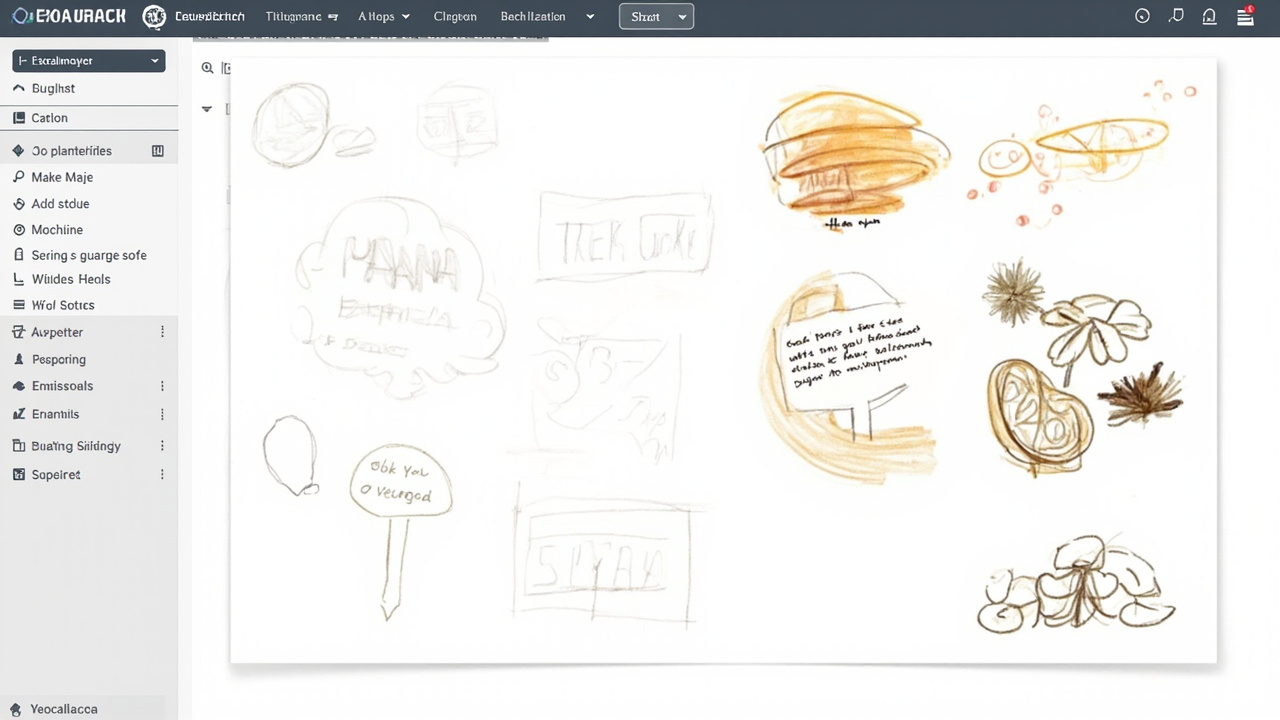
Excalidraw has carved out a unique niche in the whiteboard tool landscape by embracing a deliberately hand-drawn aesthetic that many users find refreshing and approachable. Unlike platforms that strive for polished, professional appearance, Excalidraw celebrates the imperfections of human sketches, creating an environment where ideas can flow freely without the intimidation of formal design tools. The platform’s library of predefined shapes serves as starting points, but most users gravitate toward the freehand drawing mode that captures the essence of physical whiteboarding. The infinite canvas provides ample space for creativity, with zoom capabilities that allow both microscopic detail work and expansive overviews of entire project spaces. Export options are comprehensive, supporting PNG, SVG, and JSON formats that make it easy to incorporate Excalidraw creations into other documents and presentations. Real-time collaboration in Excalidraw is particularly enjoyable, with cursor tracking showing other participants’ movements and a library of emojis that can be placed anywhere on the canvas for added expressiveness. The platform’s end-to-end encryption provides peace of mind for teams working on sensitive projects, addressing security concerns that many organizations have with cloud-based collaboration tools. One of Excalidraw’s most beloved features is its library customization capability, allowing teams to create personal shape libraries for frequently used components, saving time on repetitive drawing tasks. The availability of both cloud-hosted and self-hosted options means organizations with particular security requirements can deploy Excalidraw on their own infrastructure. For users seeking a whiteboard tool that prioritizes creative freedom over corporate polish, Excalidraw offers an exceptional free experience that continues to improve through active community contributions and regular feature updates.
FigJam: The Design Team Favorite
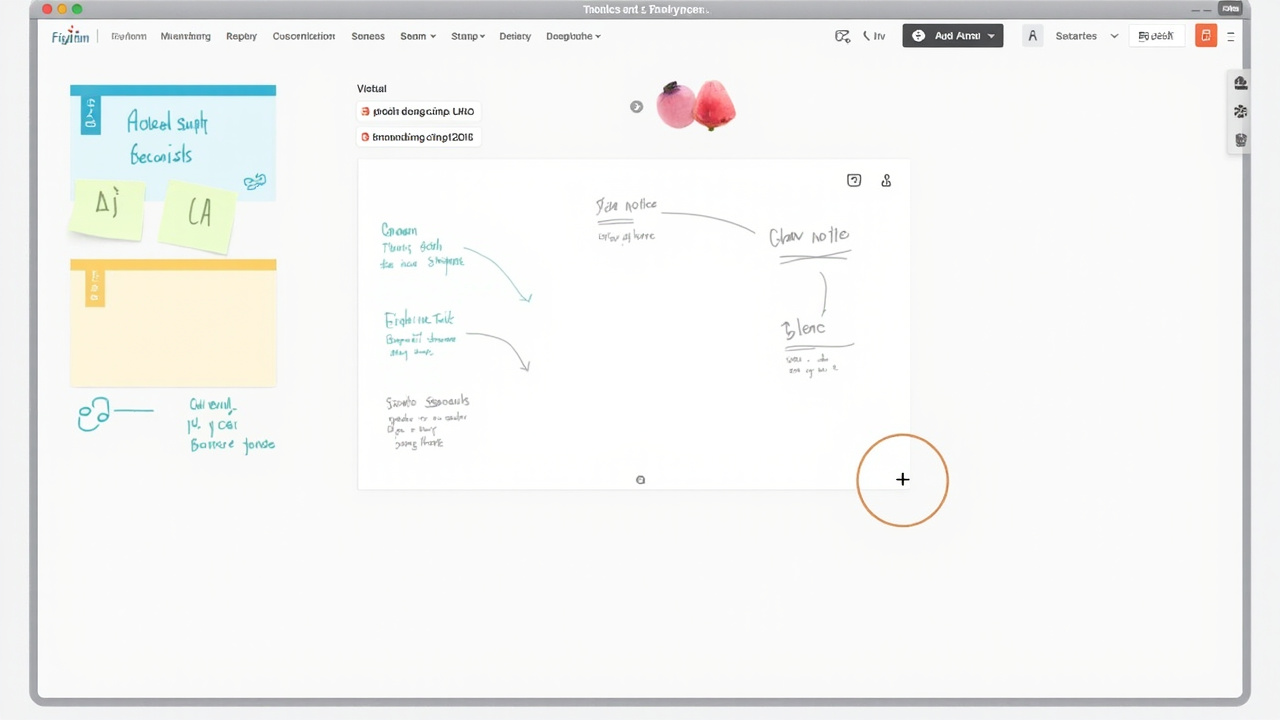
FigJam has quickly become the go-to whiteboard tool for design teams and creative professionals, emerging from the makers of the popular design tool Figma as a natural extension of the design workflow. While FigJam offers a free tier that provides substantial functionality, its integration with Figma creates compelling reasons for design teams to adopt it as their primary collaboration tool. The platform’s interface maintains the clean, modern aesthetic that Figma users have come to appreciate, creating an immediately familiar environment for those already embedded in the design tool ecosystem. Sticky notes in FigJam are particularly well-designed, with options for voting, grouping, and organizing that make collaborative prioritization sessions remarkably efficient. The built-in timer and voting features eliminate the need for external tools during workshops and sprints, keeping all collaboration activities within a single platform. FigJam’s stamp library provides an extensive collection of visual elements perfect for agile ceremonies, design thinking activities, and team retrospectives, saving time on manually creating common visual metaphors. Widget customization allows teams to create personal collections of frequently used elements, streamlining repetitive workflows and ensuring consistency across sessions. The platform’s focus on low-friction collaboration means new participants can join and start contributing within seconds, without lengthy onboarding processes or account creation requirements. FigJam’s ability to embed directly within Figma files creates seamless workflows between brainstorming and design execution, allowing teams to transition from conceptual to concrete work without platform switching. While FigJam’s free tier might feel more limited compared to some alternatives, the quality of the experience and the integration benefits make it an exceptional choice for design-focused teams.
Frequently Asked Questions
What is the best free online whiteboard for remote teams?
The best free online whiteboard for remote teams depends on your specific needs, but Miro stands out as a top recommendation due to its generous free tier, extensive template library, and robust collaboration features. It offers real-time co-editing, cursor tracking, and seamless integrations with popular communication tools like Slack and Microsoft Teams. Microsoft Whiteboard is equally compelling for teams already using Microsoft 365, while FigJam excels for design-focused teams using Figma. Consider factors like team size, required features, and existing tool integrations when making your final decision.
Are free whiteboard tools secure for business use?
Most reputable free whiteboard tools implement enterprise-grade security measures including encryption at rest and in transit, SOC 2 compliance, and regular security audits. However, free tiers often have more limited security features compared to paid plans. For sensitive business information, review each platform’s security documentation, consider enabling additional security features available in paid tiers, and establish clear guidelines about what information can and cannot be shared on public boards. Platforms like Excalidraw offer end-to-end encryption even on free plans, addressing heightened security requirements.
Can I use free whiteboard tools for online teaching?
Absolutely! Free whiteboard tools are popular among educators for conducting interactive online classes, virtual workshops, and collaborative learning sessions. Microsoft Whiteboard and Miro both offer features particularly suited to educational contexts, including timer tools, voting capabilities, and interactive templates. Miro’s extensive template library includes specific resources for education, while Microsoft Whiteboard integrates seamlessly with Teams for straightforward classroom deployment. The infinite canvas approach in these tools allows educators to create engaging visual lessons that accommodate various learning styles.
How many team members can use a free whiteboard simultaneously?
The number of simultaneous users varies significantly across platforms. Miro’s free tier allows up to three editable boards with unlimited collaborators per board, though very large groups may experience performance impacts. Microsoft Whiteboard accommodates large meetings within Teams integration without specific limits on viewer numbers. Excalidraw supports robust real-time collaboration with multiple participants, though extremely large sessions work better with dedicated enterprise solutions. When evaluating options, consider not just current team size but potential growth as collaboration culture develops within your organization.
Do free whiteboard tools offer offline access?
Most free whiteboard tools require an internet connection for real-time collaboration, though some offer limited offline capabilities. Microsoft Whiteboard includes offline caching that allows viewing and light editing when disconnected, with synchronization occurring when connectivity returns. Some platforms like Excalidraw offer self-hosted options that can be deployed on local networks for offline use. If offline access is critical for your workflow, evaluate self-hosted alternatives or ensure your chosen platform includes robust offline functionality, understanding that some features may not be available until reconnection.
Conclusion
Choosing the right free online whiteboard tool can transform how your team collaborates, brainstorm, and brings ideas to life. Throughout this guide, we’ve explored ten exceptional options that deliver professional-grade collaboration features without requiring initial financial investment. Whether you prioritize extensive template libraries like Miro, seamless ecosystem integration like Microsoft Whiteboard, creative freedom like Excalidraw, or design-specific capabilities like FigJam, there’s a solution perfectly suited to your team’s workflow. The best approach is to experiment with a few options during actual project work, allowing your team to experience the differences firsthand and discover which platform naturally enhances your collaboration patterns. As remote and hybrid work continue evolving, investing time in finding the right whiteboard tool will pay dividends in improved productivity and more engaging collaboration experiences. Start your free trial today and unlock new possibilities for visual teamwork in your organization.
Leave a Reply