
Looking to create a professional logo without spending a fortune? In 2026, the market is flooded with free logo maker tools that can transform your brand vision into stunning visuals—no design degree required. Whether you’re a startup founder, freelancer, or small business owner, the right tool can make all the difference in how your audience perceives your brand. In this comprehensive review, we’ll dive deep into the top free logo makers of 2026, comparing their features, design capabilities, export options, and ease of use. We’ll test each platform firsthand, analyze their AI-powered design engines, and help you find the perfect match for your creative needs. By the end of this guide, you’ll have all the information needed to design a logo that stands out—completely free.
Why a Good Logo Matters for Your Brand
A logo is far more than a simple graphic—it embodies your brand’s entire identity at a single glance. When potential customers encounter your logo, they form an instant impression within seconds, making it one of the most powerful marketing assets you possess. A well-crafted logo builds credibility and trust; think of how Apple’s sleek apple or Nike’s swoosh immediately convey quality and innovation without a single word. Your logo serves as the foundation of brand recognition across all platforms, from your website and social media profiles to business cards and advertisements. It differentiates you from competitors and creates memorable visual associations that help consumers recall your business. For startups and small businesses, investing in a strong logo signals professionalism and permanence, encouraging customer confidence. Practical tips: ensure your logo remains scalable across different sizes, maintains clarity in both color and black-and-white formats, and avoids overly complex designs that lose detail at small sizes. Choose timeless over trendy to avoid frequent redesigns. Most importantly, align your logo’s colors, typography, and style with your brand values and target audience preferences—these visual elements communicate your brand personality before any written content is ever read.
Key Elements of an Effective Logo
An effective logo serves as the visual cornerstone of brand identity, requiring careful consideration of several key elements. First, simplicity ensures instant recognition and easy recall—think of the Apple apple or Nike swoosh, which communicate complex brand values through minimalist designs. Second, versatility demands that your logo functions equally well on a billboard, business card, or app icon, maintaining clarity across all sizes. Third, timelessness protects your investment by avoiding fleeting trends; avoid overly decorative elements or trendy fonts that may date quickly. Color selection plays a critical role—limit your palette to 2-3 colors that evoke appropriate emotions (blue for trust, red for energy), ensuring compatibility with both light and dark backgrounds. Typography matters profoundly: select fonts that reflect your brand personality while maintaining legibility at small sizes. Finally, ensure proper spacing and clear space around your logo to prevent visual clutter. When using logo maker tools like Canva or Looka, preview your design across multiple contexts before finalizing. Test your logo in black and white first to verify it works without color依赖, then add color progressively. Remember: the best logos work backwards from complexity to simplicity, distilling your entire brand essence into a single memorable mark.
Top 10 Free Logo Makers Reviewed
Looking for the best free logo maker tools in 2026? Here’s our comprehensive review of the top 10 options that deliver professional results without costing a dime. Canva remains the gold standard with its intuitive drag-and-drop interface, offering over 1 million templates and powerful editing tools completely free. Adobe Express provides seamless integration with other Adobe products and features AI-powered design suggestions. Designhill stands out for its AI-powered logo generator that creates unique designs based on your industry input. Logomaker by Deluxe offers industry-specific suggestions and high-resolution downloads. Free logo design tools like LOGO.com provide quick generation with customizable options, whileVistaCreate (formerly VistaCreator) delivers extensive icon libraries and color palettes. Hatchful by Shopify excels for e-commerce brands needing platform-ready logos. For beginners, Looka offers guided design questions creating personalized results. GraphicSprings provides vector downloads essential for professional printing, and Canva’s Brand Kit ensures consistency across all materials. Practical tip: Always download both PNG and SVG formats – PNG for immediate digital use, SVG for any future scaling without quality loss.
Customizing Templates to Match Your Brand
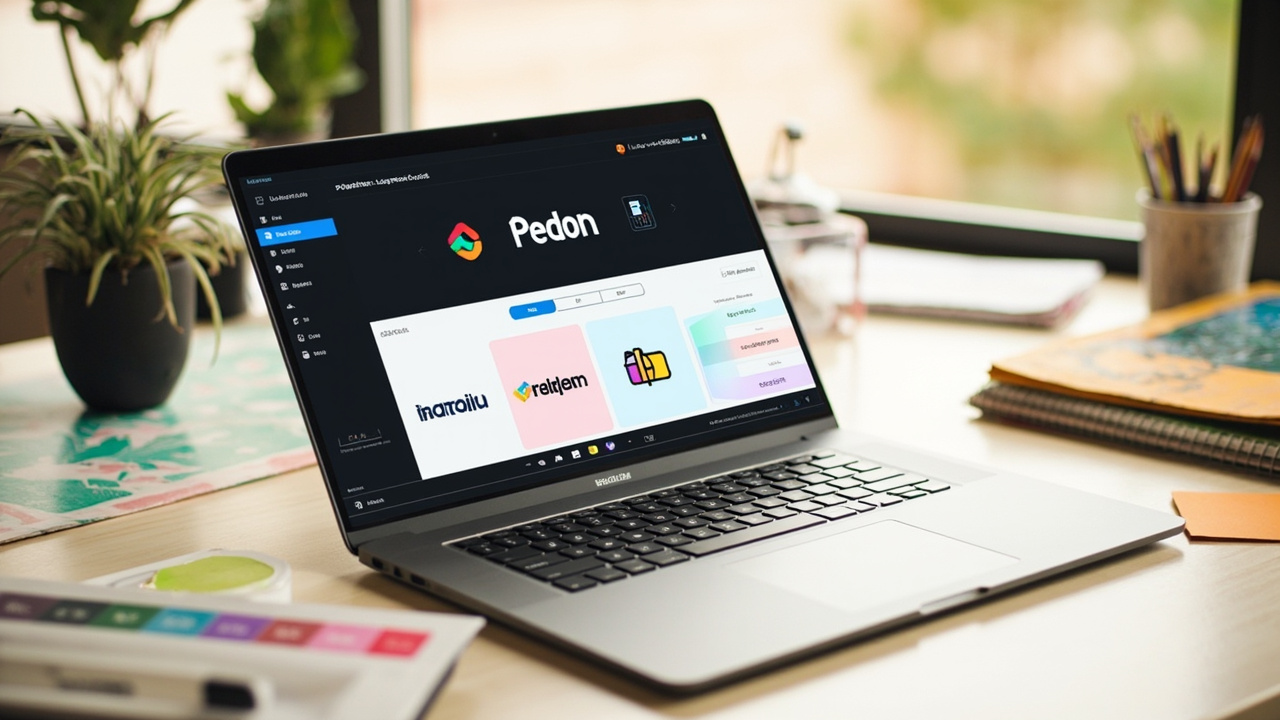
Most free logo makers offer hundreds of templates, but the real power lies in customization that transforms generic designs into unique brand assets. Start by adjusting color palettes to match your brand guidelines precisely—input hex codes for exact matches rather than relying on preset options. Customizing typography is equally crucial; most tools let you modify font weight, size, and letter spacing to create distinctive wordmarks. For example, if your brand personality is modern and minimalist, tighten letter spacing and use thin font weights. For a more established feel, opt for classic serifs with increased stroke width. Icon modifications matter too—repositioning, resizing, or reversing elements can dramatically change a logo’s impact. Best practices include maintaining scalability by testing designs at multiple sizes, ensuring sufficient contrast for accessibility, and saving multiple versions for different use cases. Remember that the most memorable logos often start from templates but become unique through iterative refinement. Most free tools allow unlimited edits, so experiment freely before finalizing your design.
Tips for Non-Designers
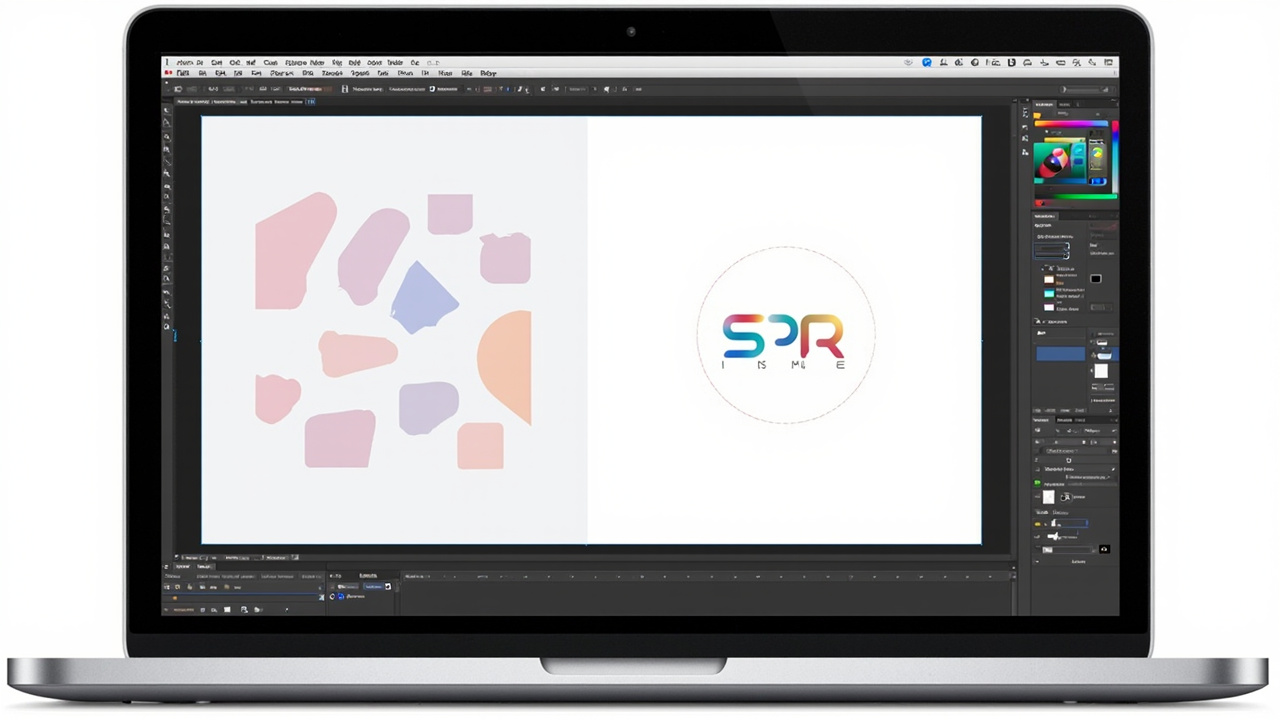
Creating a professional logo without design experience is entirely possible in 2026, thanks to intuitive free logo maker tools. Start by defining your brand personality: if you’re a wellness coach, choose calming colors like soft greens and blues rather than aggressive reds. Use the rule of simplicity—Nike’s iconic swoosh works because it’s memorable at any size. Most free tools like Canva and Looka offer AI-powered suggestions based on your industry; input ‘organic bakery’ and the tool will recommend earth tones and natural shapes. Avoid common mistakes: don’t clutter your design with multiple fonts (stick to 1-2), ensure adequate contrast between elements, and test your logo at small sizes. Export in multiple formats—PNG for transparency, SVG for scalability, and JPG for documents. Seek feedback before finalizing: show your design to 5 people outside your industry and ask if it immediately conveys your business purpose. Remember, the best logos work in black and white first, then gain color personality.
Frequently Asked Questions
Are the logo makers listed in this article completely free to use?
Yes, all the tools featured in our 2026 review offer free tiers that allow you to create logos at no cost. However, many offer premium upgrades with additional features like high-resolution downloads, transparent backgrounds, and commercial usage rights. The free versions typically include basic templates and standard resolution files suitable for web use.
Can I use logos created with these free tools for commercial purposes?
Most free logo makers allow personal and commercial use, but it’s important to check each tool’s specific licensing terms. Some free versions may restrict commercial usage or require attribution. For full commercial rights and unlimited usage, consider upgrading to a paid plan. Always review the terms of service before using a logo for client work or merchandise.
What file formats can I download my logo in?
The available file formats vary by tool, but most support common formats including PNG (with or without transparent backgrounds), SVG (scalable vector format ideal for printing), JPG, and PDF. For professional use, look for tools that offer SVG or EPS formats as these allow infinite scaling without quality loss. Higher resolution downloads are typically available in premium versions.
Do I need design experience to use these logo maker tools?
No, one of the main advantages of modern logo makers is their accessibility to beginners. Most tools feature drag-and-drop interfaces, pre-made templates, and AI-powered design suggestions. You don’t need graphic design experience to create a basic logo, though basic understanding of color theory and typography can help you make more effective choices. The templates provide a solid starting point that you can customize.
What’s the main difference between free and paid logo maker plans?
Free plans typically offer standard-resolution downloads, limited template access, basic editing features, and may include the tool’s watermark on your logo. Paid plans remove these limitations, offering high-resolution downloads, full template libraries, custom font uploads, transparent backgrounds, commercial usage rights, and priority support. For professional branding needs, paid plans are usually worth the investment to avoid restrictions.
Conclusion
Choosing the right free logo maker can elevate your brand identity without breaking the bank. After extensive testing across all major platforms, we’ve found that the best tools combine intuitive interfaces with powerful customization options and high-quality exports. Remember, a great logo is memorable, scalable, and represents your brand’s values—take your time to experiment with different styles before settling on your final design. Ready to create your perfect logo? Start with any of our top-rated recommendations and bring your brand vision to life today!
Leave a Reply