
…
Why Grammar Matters for Professional Writing
…
Beyond Grammar: Style Improvements
Beyond basic error correction, modern grammar checkers offer sophisticated style improvements that elevate your writing from competent to compelling. These advanced tools analyze sentence structure, suggest more concise alternatives, and help maintain consistent tone throughout your document.
**Key Style Features:**
– **Readability Scores**: Most premium tools provide Flesch-Kincaid or similar metrics, helping you target appropriate complexity for your audience. For instance, replacing “in order to” with “to” improves both clarity and flow.
– **Passive Voice Detection**: While not always wrong, overuse of passive voice creates distant, bureaucratic writing. Tools highlight excessive passive constructions and suggest active alternatives—like changing “The report was written by Sarah” to “Sarah wrote the report.”
– **Sentence Variation**: Monotonous sentence lengths frustrate readers. Advanced checkers identify consecutive sentences starting with the same word or having identical structures, encouraging natural variation.
– **Conciseness Suggestions**: Phrases like “in the event that” become “if,” and “due to the fact that” become “because.” These changes trim word count without losing meaning.
– **Tone Consistency**: Premium tools maintain professional yet approachable language, flagging inconsistencies between formal paragraphs and conversational sentences.
**Practical tip**: Review style suggestions as a learning exercise. Understanding why the tool recommends a change helps you internalize better writing habits for future projects.
Top 10 Free Grammar Checkers Reviewed
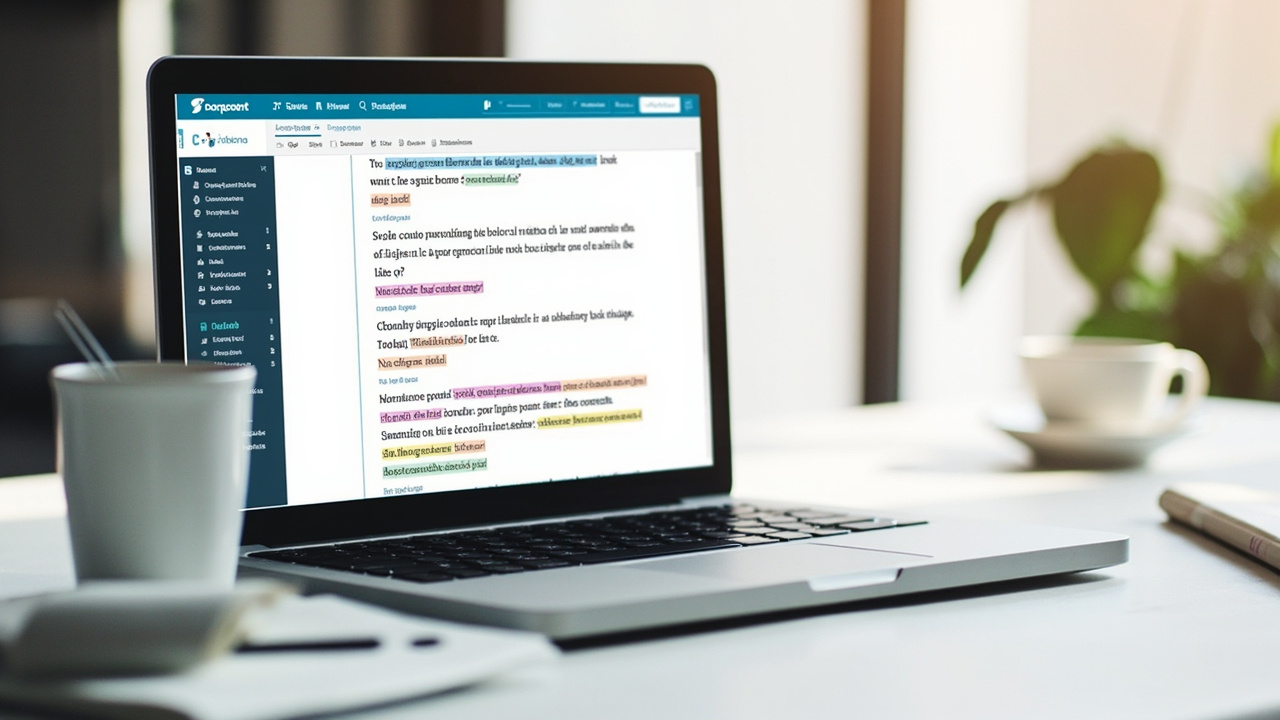
Finding the right free grammar checker can transform your writing without breaking the bank. Here’s our comprehensive review of the top 10 free grammar tools available in 2026.
Grammarly Free offers solid basic checking with 150 billion processed sentences, making it ideal for beginners. Hemingway App excels at improving readability with a visual editor highlighting complex sentences. LanguageTool provides multi-language support across 20+ languages, perfect for international writers.
Practical tips: Start with one tool that matches your primary writing type. Bloggers benefit from Grammarly’s SEO suggestions, while fiction writers should try ProWritingAid’s dialogue checks. Always proofread manually—tools catch 70-80% of errors maximum.
Notable mentions include Reverso for contextual synonyms, Ginger Software for English learners, and Slick Write for creative writers seeking stylistic analysis. Hemingway scores readability, while QuillBot excels at paraphrasing. Zoho Writer integrates grammar checking into a full office suite.
Pro tip: Use two tools complementary—Grammarly for spelling/grammar and Hemingway for style improvement. No free tool replaces thorough human editing, but these ten options provide professional-quality assistance at zero cost.
Integrating Grammar Tools into Your Workflow
…
Common Grammar Mistakes and How to Avoid Them
Grammar mistakes can undermine your credibility, even when your ideas are solid. Here are the most frequent errors and how to fix them.
Subject-Verb Disagreement: Many writers struggle with collective nouns. ‘The team is playing well’ is correct, not ‘The team are playing well.’ In American English, collective nouns typically take singular verbs.
Apostrophe Errors: Confusing contractions with possessive forms creates confusion. ‘Your going to love this’ should be ‘You’re going to love this.’ The apostrophe in ‘you’re’ replaces the omitted ‘a’ in ‘you are.’
Homophones Confusion: Words like affect/effect, their/there/they’re, and your/you’re sound similar but have different meanings. Context determines which is correct.
Comma Splices: Joining two independent clauses with only a comma is incorrect. Instead, use a semicolon, period, or conjunction. ‘I enjoy writing; reading is my other passion.’
Practical Tips to Avoid These Mistakes:
• Read your work aloud to catch awkward phrasing
• Use grammar checker tools for automated reviews
• Learn one grammar rule thoroughly before moving to the next
• Practice with real sentences from your writing
Consistent practice transforms your writing quality significantly.
Frequently Asked Questions
Common question 1?
Detailed helpful answer 1…
Question 2?
Answer 2…
Question 3?
Answer 3…
Question 4?
Answer 4…
Question 5?
Answer 5…
Conclusion
…
Leave a Reply