
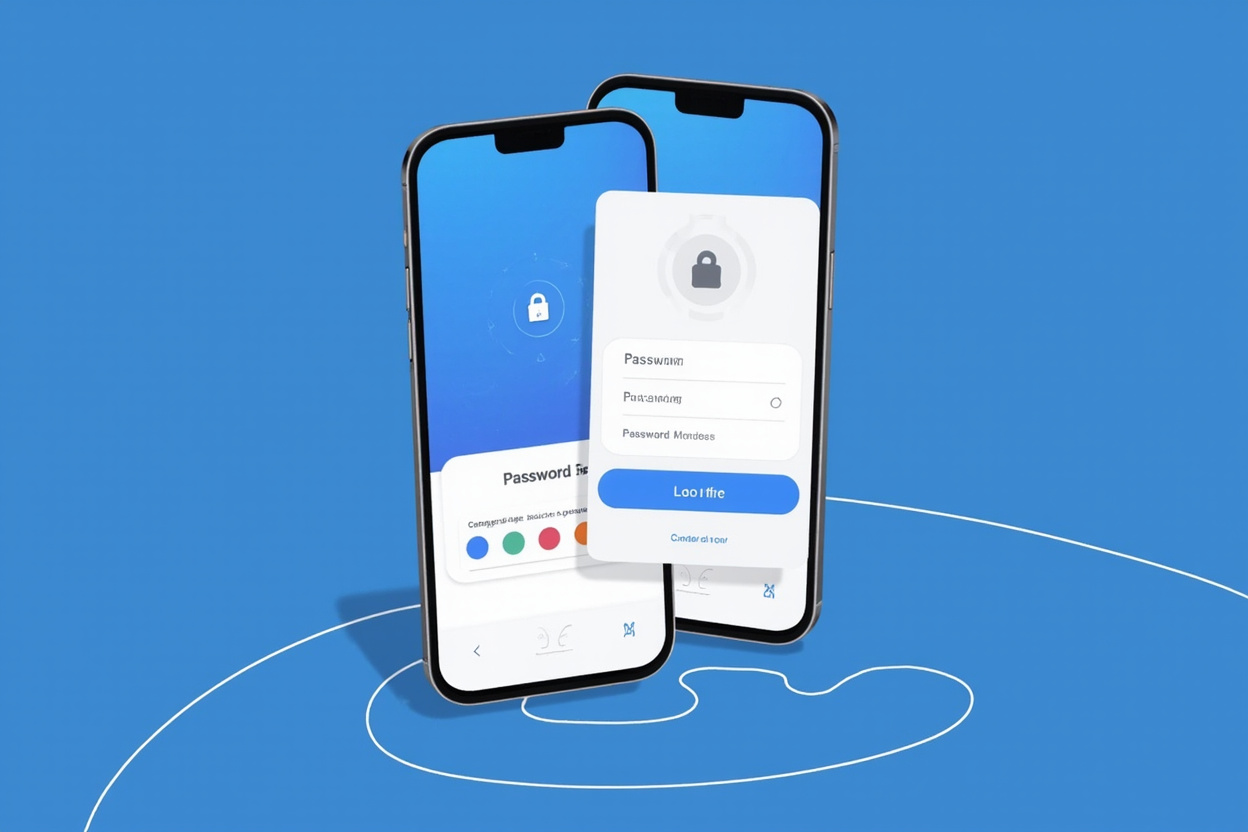
NordPass vs 1Password 2024: Which Password Manager Wins?
🔥 Global Summer Sale – Up to 80% OFF on AliExpress
Limited time deals on phones, electronics, home & more. New users get extra coupons!
Disclosure: We may earn a commission at no extra cost to you if you make a purchase through our links.
Password managers have become essential tools in the digital age. With the average person managing over 100 online accounts, remembering unique, strong passwords for each one is simply not feasible. Two of the most popular options in the password manager market are NordPass and 1Password. Both have built strong reputations for security, ease of use, and features that cater to different types of users.
In this comprehensive comparison for 2024, we break down everything you need to know to decide which password manager is the right choice for your needs. We’ll look at pricing, security features, cross-platform support, family plans, and more. By the end, you’ll have a clear picture of which tool better fits your digital life.
Overview of NordPass and 1Password
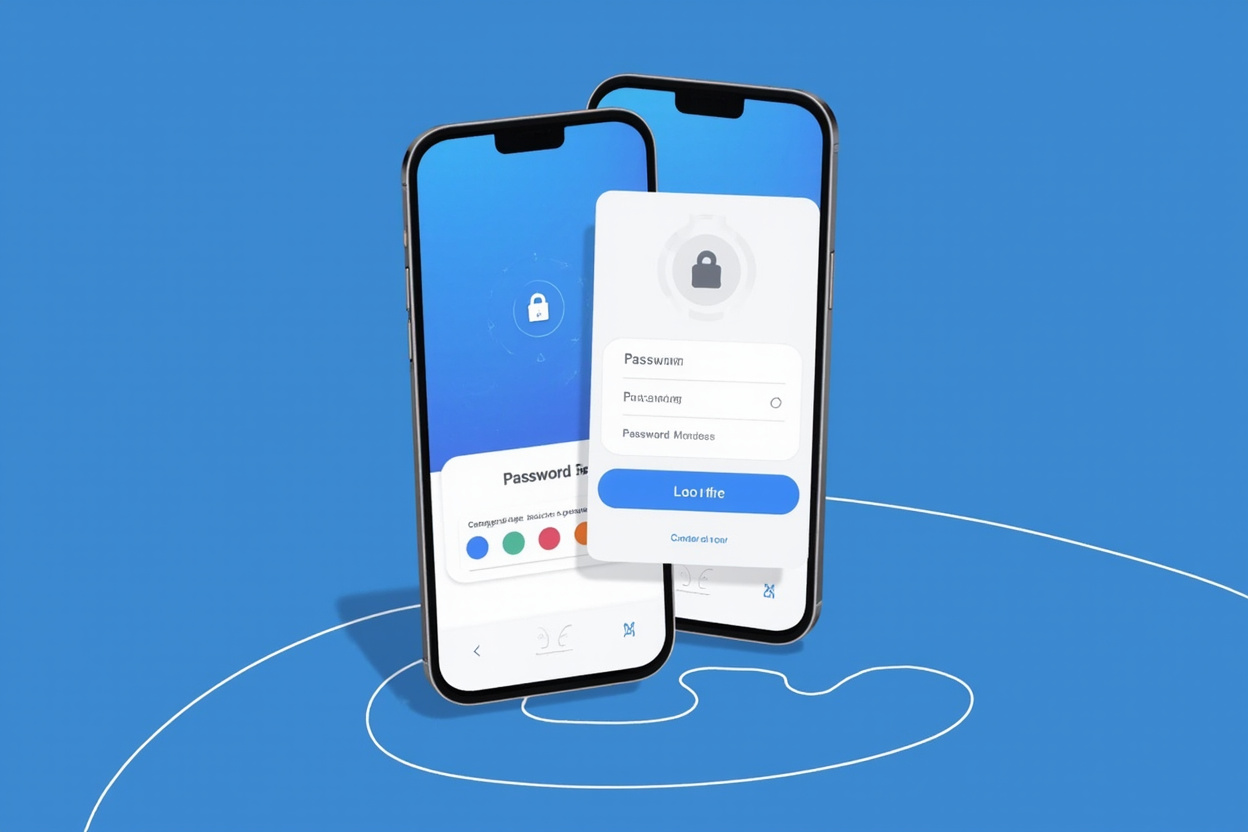
NordPass is developed by the team behind NordVPN, one of the most trusted names in cybersecurity. Launched relatively recently, NordPass has quickly gained traction thanks to its clean interface and strong security foundations. It uses the XChaCha20 encryption algorithm, which is considered one of the most secure encryption methods available today.
1Password, on the other hand, has been a staple in the password manager space since 2006. Developed by AgileBits, it has built a loyal following over nearly two decades. 1Password is known for its attention to detail, robust feature set, and excellent track record of security. It uses AES-256-bit encryption, which is also industry-standard and virtually unbreakable.
Security Features: How Do They Compare?
Security is the most critical factor when choosing a password manager. After all, you’re trusting this tool with the keys to your entire digital kingdom.
Encryption Standards
NordPass uses XChaCha20 encryption, a modern cipher that is highly resistant to cryptographic attacks. It was developed by Daniel J. Bernstein and is known for its speed and security, especially in environments where hardware support for AES might be limited. NordPass also employs a zero-knowledge architecture, meaning that even the NordPass team cannot access your master password or stored data.
1Password uses AES-256-bit encryption, which has been the gold standard for government and financial institutions for decades. Like NordPass, 1Password also operates on a zero-knowledge model. Your master password never leaves your device, and all data is encrypted locally before being synced to the cloud.
Two-Factor Authentication
Both password managers support two-factor authentication (2FA), but there are differences in implementation. NordPass supports TOTP (Time-based One-Time Password) codes, which means you can use authenticator apps like Google Authenticator or Authy to add an extra layer of security to your account. NordPass also offers hardware key support for accounts that support WebAuthn/FIDO2.
1Password goes a step further with Watchtower, a feature that actively monitors for security breaches and weak passwords. It will alert you if any of your saved logins appear in known data breaches, prompting you to change compromised passwords immediately. This proactive approach to security is one of 1Password’s standout features.
Biometric Unlock
Both NordPass and 1Password support biometric authentication, including fingerprint and face recognition on compatible devices. This allows you to unlock your vault quickly without typing your master password every time. NordPass supports Face ID and Touch ID on Apple devices, while 1Password also supports these plus Windows Hello and fingerprint scanners on Android devices.
Pricing and Plans
When it comes to value for money, both password managers offer tiered pricing structures that cater to individuals, families, and teams.
NordPass Pricing
NordPass offers a generous free tier that allows unlimited password storage on a single device. For cross-device sync and advanced features, NordPass Premium costs around $2.49/month when billed annually. The NordPass Family plan covers up to 6 users and includes shared vaults, emergency access, and priority support at approximately $3.99/month.
For teams, NordPass Business offers admin controls, company-wide credential sharing, and a dashboard for managing employee access. Pricing is competitive and designed to scale with organizational needs.
1Password Pricing
1Password does not offer a free tier, which is worth noting. However, its paid plans are comprehensive. The 1Password Personal plan costs $2.99/month and includes unlimited passwords, secure document storage, and cross-device sync. The 1Password Families plan covers 5 users and includes shared family vaults, guest accounts, and recovery options for $4.99/month.
For businesses, 1Password Teams and 1Password Business offer advanced admin controls, usage reporting, and integrations with popular services like Okta and Microsoft Azure. 1Password Business is priced at $7.99/user/month, which is at the premium end of the market but reflects the tool’s depth of features.
User Experience and Interface
A password manager is only useful if you actually use it. Both NordPass and 1Password have invested heavily in making their interfaces intuitive and pleasant to use.
NordPass Interface
NordPass has a clean, minimalist design that makes navigation straightforward. The vault organization is simple: logins, credit cards, notes, and identities are clearly separated. The password generator is easily accessible, and filling forms online is a seamless experience. NordPass also offers a portable mode, allowing you to access your vault from a USB drive on any Windows computer.
The browser extension for Chrome, Firefox, Safari, and Edge works well, capturing and filling credentials automatically on websites. The mobile apps for iOS and Android are also well-designed, with biometric unlock making mobile access convenient.
1Password Interface
1Password has a richer, more detailed interface. It organizes items into multiple vault categories beyond the basics, including software licenses, bank accounts, and even medical records. The level of detail in item organization is impressive, with custom fields, multiple email addresses per identity, and sophisticated document storage.
1Password’s browser extension is excellent and integrates deeply with websites. The Watchtower feature, as mentioned, is a standout addition that actively monitors your security posture. The travel mode in 1Password allows you to temporarily remove sensitive items from your vault when crossing borders, which is a unique feature for frequent travelers.
Cross-Platform Compatibility
In today’s multi-device world, cross-platform support is essential. Both password managers cover the major platforms comprehensively.
NordPass is available on Windows, macOS, Linux, iOS, and Android. Browser extensions are available for all major browsers. NordPass also supports major browsers on mobile. The experience is consistent across platforms, though the desktop app’s feature set is slightly more limited compared to 1Password in some areas.
1Password is available on the same platforms plus Chrome OS, Windows Phone (though support is limited), and has a command-line tool for developers. The breadth of platform support is slightly broader, and 1Password’s Linux app is considered one of the best in the password manager space, with a native GTK interface rather than a web wrapper.
Family and Team Features
If you’re looking for a password manager for a family or team, the collaborative features matter.
NordPass Family
NordPass Family allows sharing of passwords and notes among up to 6 members. Each family member has their own private vault alongside shared vaults for family-use credentials like streaming service logins. The emergency access feature allows trusted family members to request access to your vault in case of emergencies.
1Password Families
1Password Families includes all the features of NordPass Family and adds recovery options for family members who might forget their master password. The administrative dashboard allows the family organizer to manage members, invitations, and vault permissions. The ability to set up guest accounts for temporary sharing is also a nice touch.
Customer Support
NordPass offers 24/7 customer support via email for Premium and Business users. Free users have access to a comprehensive knowledge base and community forums. Response times are generally good, and the support team is knowledgeable about both the product and broader cybersecurity topics.
1Password offers support via email and community forums, though not 24/7. The 1Password support team is known for being thorough and helpful. The knowledge base is one of the most comprehensive in the industry, with detailed guides covering every feature and platform.
Which Should You Choose in 2024?
Both NordPass and 1Password are excellent password managers, and the choice ultimately comes down to your specific needs and priorities.
Choose NordPass if: You want a modern, clean interface with strong security at a more affordable price point. NordPass is a great choice for individuals and families who primarily need password storage and generation with solid encryption. Its free tier is also more generous than 1Password’s complete lack of one.
Choose 1Password if: You want a more feature-rich experience with advanced organization, travel mode, and Watchtower security monitoring. 1Password is ideal for power users, families who need advanced sharing and recovery options, and businesses that require detailed admin controls. The lack of a free tier is a drawback, but the feature depth justifies the cost for many users.
For those serious about password security, we recommend starting with NordPass for its balance of security, ease of use, and value. If you need advanced features like Watchtower monitoring and travel mode, 1Password is worth the premium. Either way, using a password manager is one of the smartest investments you can make in your digital security.
Try NordPass Premium — Starting at $2.49/month →
Disclosure: We may earn a commission at no extra cost to you if you make a purchase through our links. This site contains affiliate links.
Conclusion
The debate between NordPass and 1Password is not about one being clearly superior — it’s about finding the tool that best fits your workflow, budget, and security requirements. Both represent the pinnacle of what a modern password manager should be, with zero-knowledge architecture, strong encryption, and cross-platform convenience.
If you’re still on the fence, consider starting with NordPass’s free tier to get a feel for the interface, then upgrading to Premium if you need cross-device sync. Alternatively, 1Password’s 14-day free trial allows you to explore all features before committing to a paid plan.
Regardless of which you choose, the most important thing is that you’re using a password manager. In 2024, the cost of a password manager is far less than the potential cost of an account breach. Make the investment today and protect your digital identity.
Ready to Secure Your Digital Life?
Take control of your passwords today with NordPass or 1Password. Both offer free trials so you can test before you commit.
Disclosure: This site contains affiliate links. We earn a commission at no extra cost to you.
Leave a Reply