
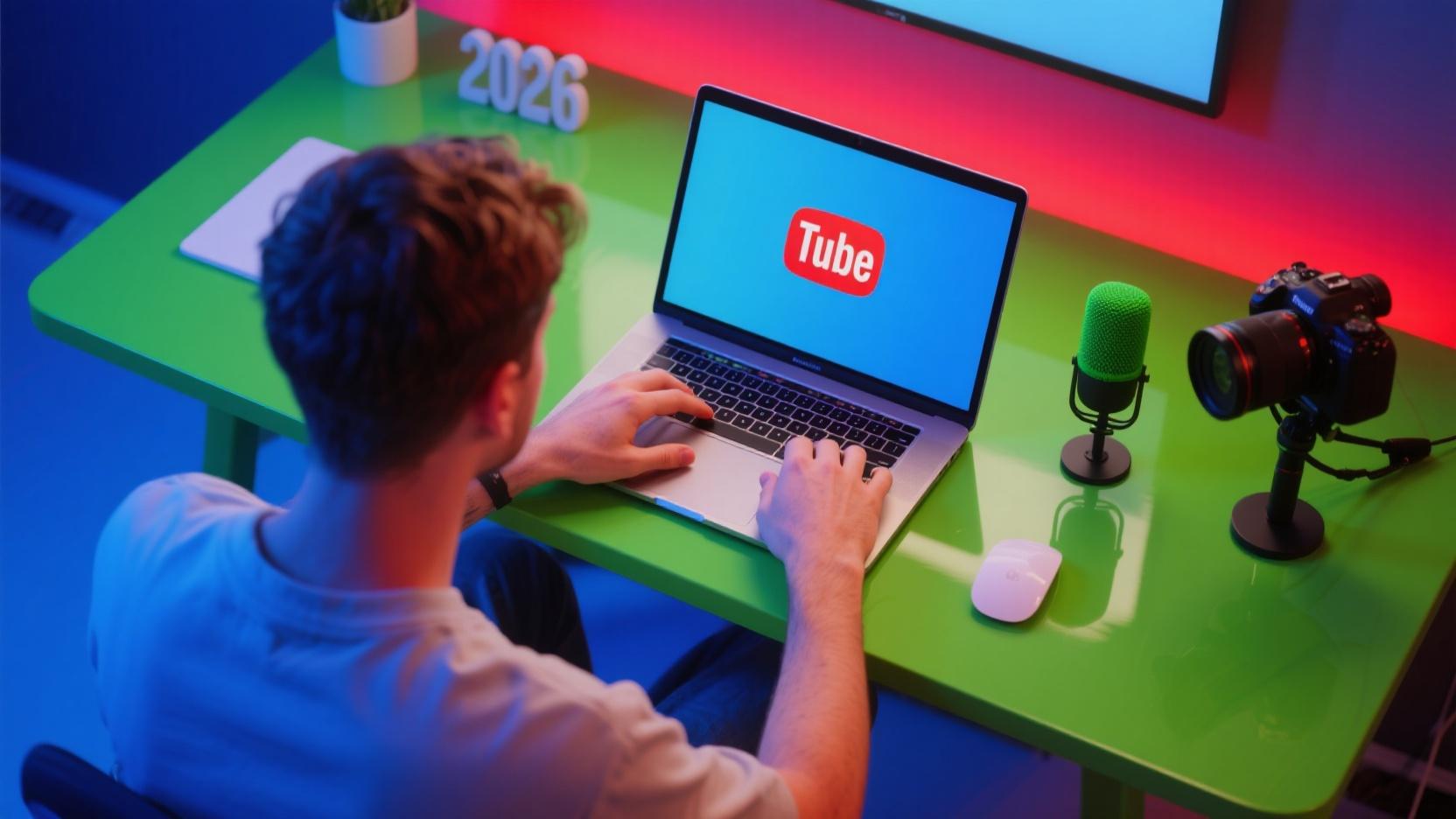
YouTube has become the world’s second-largest search engine, with over 2 billion monthly active users watching billions of hours of video daily. Starting a YouTube channel in 2026 offers incredible opportunities for content creators, entrepreneurs, and businesses. This comprehensive guide walks you through everything you need to know to launch your first successful YouTube channel.
Why Start a YouTube Channel in 2026?
YouTube remains one of the most powerful platforms for content creation and monetization:
- Massive Reach: 2 billion+ users monthly
- Search Engine Power: YouTube is the #2 search engine after Google
- Multiple Revenue Streams: AdSense, sponsorships, merchandise, memberships
- Long-term Content: Videos can generate views for years
- Brand Building: Establish authority in any niche
Step 1: Define Your Channel’s Purpose
Before creating your channel, answer these critical questions:
Find Your Niche
Your niche should be:
- Passionate: You genuinely enjoy the topic
- Profitable: Businesses advertise in this space
- Specific: Focused enough to attract dedicated viewers
- Sustainable: You can create content long-term
Popular Niches in 2026
- Personal finance and investing
- AI tools and technology tutorials
- Health, fitness, and wellness
- Personal development and productivity
- Online business and entrepreneurship
- Gaming and esports
- Travel and lifestyle
- Food and cooking
- Educational content and tutorials
- Sustainability and eco-living
Step 2: Create Your YouTube Channel
Set Up Your Google Account
- Go to youtube.com and sign in with your Google account
- If you don’t have a Google account, click “Sign In” then “Create Account”
- Use a professional email associated with your brand
Create the Channel
- Click your profile picture in the top right
- Select “Your Channel”
- Click “Create Channel”
- Enter your channel name (choose carefully – changing it later affects branding)
- Add a profile picture and channel banner
- Write your channel description
Channel Art Specifications
- Banner Image: 2560 x 1440 pixels (safe area: 1546 x 423 pixels)
- Profile Picture: 800 x 800 pixels (displayed as 98 x 98)
- Channel Trailer: 15-60 seconds for non-subscribers
Step 3: Set Up Your Studio
YouTube Studio is your command center for managing your channel.
Essential YouTube Studio Settings
- Upload Defaults: Set default title, description, and tags
- Channel Branding: Upload watermark/broadcast badge
- Default Upload Language: Helps YouTube recommend your content
- Content Location: Helps with regional recommendations
Key Analytics to Track
- Watch Time: Total minutes viewers spend watching
- Average View Duration: How long people watch each video
- Click-Through Rate (CTR): Impressions vs clicks on thumbnails
- Subscriber Growth: Net new subscribers
- Revenue: Estimated AdSense earnings
Step 4: Equipment for Beginners
You don’t need expensive equipment to start. Here’s what most creators use:
Starter Equipment
- Smartphone: Modern phones shoot 4K video excellently
- Tripod with Phone Mount: $20-50 for stability
- Lavalier Microphone: $30-50 for clear audio (wireless: $50-100)
- Ring Light: $30-60 for consistent lighting
- Backdrop: Simple solid color or virtual background
Recommended Equipment Upgrades
- Webcam: Logitech C920 ($60-100) or better
- Mirrorless Camera: Sony ZV-E10, Canon EOS M50 ($500-800)
- Better Microphone: Rode NT-USB ($250) or Blue Yeti ($100)
- Softbox Lights: $50-100 per light
- Video Editing Software: DaVinci Resolve (free), Premiere Pro ($20/mo)
Step 5: Create Your First Videos
Video Types That Work Well
- Tutorials: How to do something step-by-step
- Reviews: Honest opinions on products/services
- Educational: Explain concepts or teach skills
- Entertainment: Vlogs, comedy, challenges
- Listicles: Top 5, 10, etc. of something
- Reaction Videos: React to trending content
Optimal Video Length in 2026
There’s no magic length, but consider:
- Shorts: Under 60 seconds (viral potential)
- Standard: 8-15 minutes (good for most content)
- Long-form: 20-45 minutes (deep dives, documentaries)
- Stream: 1+ hours (live or archived streams)
Step 6: SEO and Discovery
Learn YouTube SEO to help your videos get discovered:
Title Optimization
- Front-load important keywords
- Keep under 60 characters
- Make it curiosity-provoking
- Include numbers when applicable
Description Writing
- First 150 characters are crucial (shown in search results)
- Include main keywords in first paragraph
- Add timestamps for longer videos
- Include relevant links (social media, products mentioned)
- Write 200-300 words minimum
Tags Strategy
- Mix of broad and specific tags
- Include your channel name
- Use variations and synonyms
- Study competitors’ successful videos for ideas
Thumbnail Best Practices
- 1280 x 720 pixels (16:9 ratio)
- Bold, readable text
- Bright, contrasting colors
- Faces with expressions work well
- Minimal text (under 6 words)
Step 7: Growing Your Channel
Consistency is Key
- Post on a regular schedule (weekly minimum)
- Batch filming helps maintain consistency
- Build a content calendar
- Quality matters more than frequency
Engagement Strategies
- Respond to Comments: Build community
- Community Posts: Keep subscribers engaged between videos
- End Screens: Direct viewers to more content
- Playlists: Increase watch time
- Cards: Link to related videos
Crosspromotion
- Share on social media (TikTok, Instagram, Twitter)
- Collaborate with other creators
- Engage in relevant communities (Reddit, forums)
- Email your existing audience
Step 8: Monetization
YouTube Partner Program Requirements
- 1,000 subscribers
- 4,000 watch hours (past 12 months) OR 10 million Shorts views (past 90 days)
- Complied with YouTube policies
- Linked AdSense account
Revenue Streams
- AdSense: $2-10 per 1,000 views (varies widely)
- Sponsorships: $50-10,000+ per video based on niche
- Channel Memberships: $4.99/month per member
- Super Chats: Live stream donations
- Merchandise: Sell your own products
- Affiliate Marketing: Commission on referred sales
Common Mistakes to Avoid
- Giving up too early: Most successful channels took 1-2 years to gain traction
- Ignoring SEO: Learn keyword research and optimization
- Bad audio: Viewers forgive bad video, never bad audio
- Inconsistent posting: Irregular schedules hurt growth
- Copying others: Find your unique voice and style
- Ignoring analytics: Data tells you what works
- Not engaging with audience: Community builds loyalty
YouTube Shorts Strategy
Shorts have become crucial for channel growth in 2026:
- Create Shorts from long-form video highlights
- Use trending sounds and music
- Hook viewers in first 3 seconds
- Post consistently (daily if possible)
- Shorts can funnel viewers to long-form content
Legal and Policy Considerations
- Copyright: Only use music/content you have rights to
- Fair Use: Understand the limits (commentary, criticism, education)
- Disclosure: Disclose sponsored content clearly
- Privacy: Don’t share personal information without consent
- Children: Special rules apply to content directed at kids
Conclusion: Your YouTube Journey Starts Now
Starting a YouTube channel in 2026 is one of the best decisions you can make for content creation, personal branding, or business growth. The barrier to entry is low, but success requires dedication, consistency, and continuous learning.
Remember these key principles:
- Find a niche you’re passionate about
- Invest in good audio, not necessarily expensive equipment
- Learn and apply YouTube SEO from day one
- Be consistent – regular posting is essential
- Engage with your audience genuinely
- Track your analytics and adapt your strategy
- Don’t compare your Chapter 1 to someone else’s Chapter 20
Your first video won’t be perfect – and that’s okay. Every successful YouTuber started exactly where you are now. The only way to fail is to never start.
Take action today. Create your channel, film your first video, and publish it. Your YouTube journey begins with a single step.
FAQ
How much does it cost to start a YouTube channel?
You can start completely free using just your smartphone. Basic equipment (tripod, microphone, ring light) costs $50-150. Professional setups range from $500-2000+.
Do I need a business name for my YouTube channel?
Not necessarily. Many successful channels use personal names or creative brand names. Choose what’s memorable and reflects your content.
How long does it take to get monetized?
Most creators take 12-24 months to reach YouTube Partner Program requirements. Some achieve it faster with consistent, high-quality content and good SEO.
What equipment do I really need to start?
A smartphone with a good camera, a tripod, and a decent microphone are all you need initially. Good audio is more important than good video.
Should I do Long-form or YouTube Shorts?
Ideally both. Shorts help with discovery and growth, while long-form content builds deeper audience connection and generates more watch time.
How often should I post?
Quality over quantity. Start with what you can sustain – even once a week is fine. Consistency matters more than frequency.
Can I use copyrighted music?
No. Use YouTube’s free music library, royalty-free music services, or create your own audio. Copyright strikes can terminate your channel.
Is 2026 too late to start YouTube?
Absolutely not. YouTube’s algorithm favors consistency and quality over age. New channels can still grow rapidly with the right strategy.
Leave a Reply