
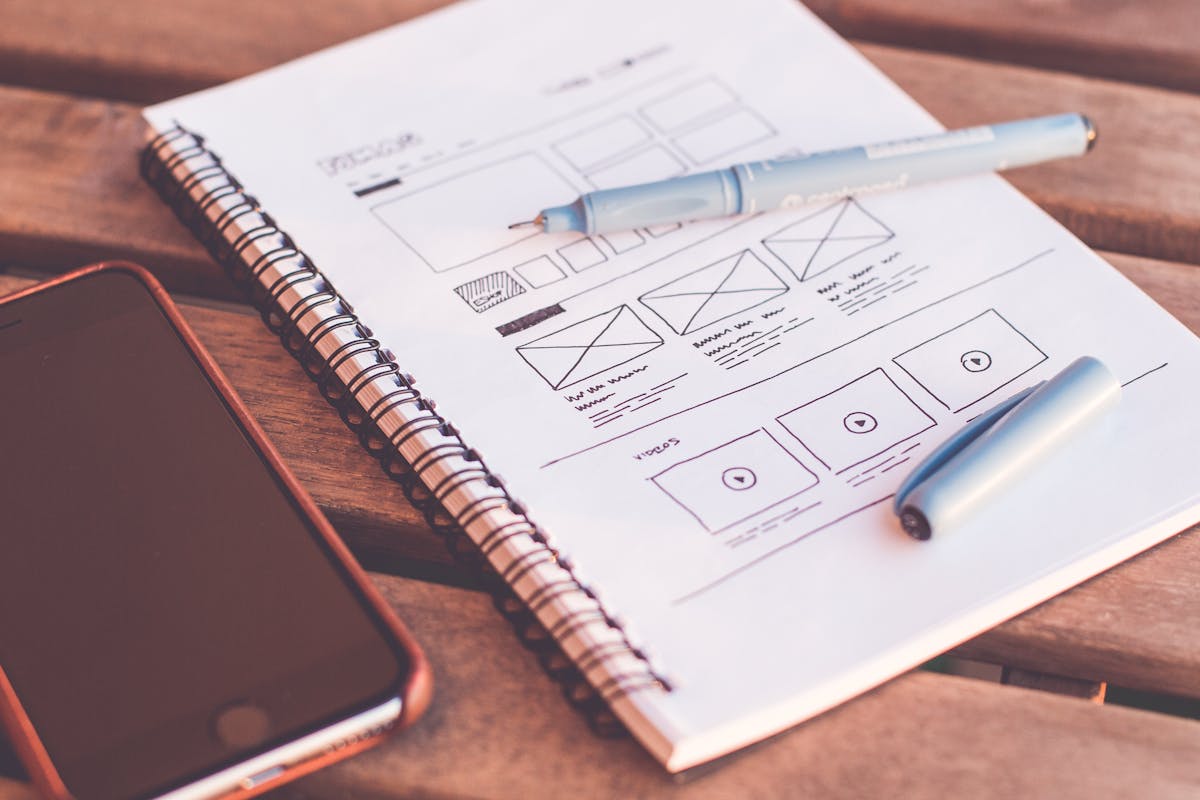
Starting your graphic design journey doesn’t require expensive software. In this comprehensive guide, we explore the best free graphic design tools available in 2026 for beginners.
Why Use Free Graphic Design Tools?
Free tools offer an excellent starting point for beginners:
- No Financial Risk: Learn without spending money
- Low Barrier to Entry: Start creating immediately
- Skill Development: Build foundational skills
- Portfolio Building: Create projects for your portfolio
Top Free Graphic Design Tools in 2026
1. Canva (Best Overall)
Canva revolutionized graphic design for non-designers:
- Drag-and-drop interface
- Thousands of templates
- Free tier available
- Collaborative features
2. GIMP (Best for Photo Editing)
GIMP is a powerful free alternative to Photoshop:
- Advanced editing tools
- Customizable interface
- Plugin support
- Cross-platform
3. Inkscape (Best for Vector Graphics)
Inkscape is excellent for vector design:
- Full vector tools
- SVG support
- Object manipulation
- Free forever
4. Figma (Best for UI/UX Design)
Figma is perfect for web and app design:
- Browser-based
- Real-time collaboration
- Component libraries
- Free tier available
5. Krita (Best for Digital Painting)
Krita is ideal for digital artists:
- Professional brushes
- Layer management
- Animation support
- Free and open source
6-25. More Essential Tools
Additional tools worth exploring:
- Pixlr: Online photo editor
- Unsplash: Free stock photos
- Coolors: Color palette generator
- Font Awesome: Icon library
- Adobe Express: Quick creations
- Photopea: Photoshop alternative
- Vectr: Simple vector editor
- DesignCap: Easy poster maker
- Visme: Infographics tool
- Stencil: Social media images
- Snappa: Quick graphics
- Placeit: Mockups
- Canva Pro Tips: Advanced features
- Remove.bg: Background remover
- Fotor: Online editor
- Lunapic: Basic editing
- RawTherapee: RAW photo editor
- DaVinci Resolve: Video editing
- Blender: 3D modeling
- Pencil2D: 2D animation
How to Choose the Right Tool
Consider these factors when selecting a tool:
- Your Goals: What do you want to create?
- Learning Curve: How much time can you invest?
- Platform: Web, desktop, or mobile?
- Features: What capabilities do you need?
Tips for Beginners
- Start with simple projects
- Follow design tutorials
- Study color theory
- Practice regularly
- Get feedback from others
- Build a portfolio
Conclusion
Free graphic design tools have made design accessible to everyone. Start with one tool, master it, and expand your toolkit as you grow. Remember, the best tool is the one that helps you express your creativity.
FAQ
What’s the best free graphic design tool for beginners?
Canva is ideal for beginners due to its intuitive drag-and-drop interface and extensive template library.
Are free graphic design tools professional enough?
Yes! Many professionals use free tools like GIMP and Inkscape for client work.
Can I use free tools for commercial projects?
Most free tools allow commercial use, but check each tool’s license terms.
Leave a Reply