
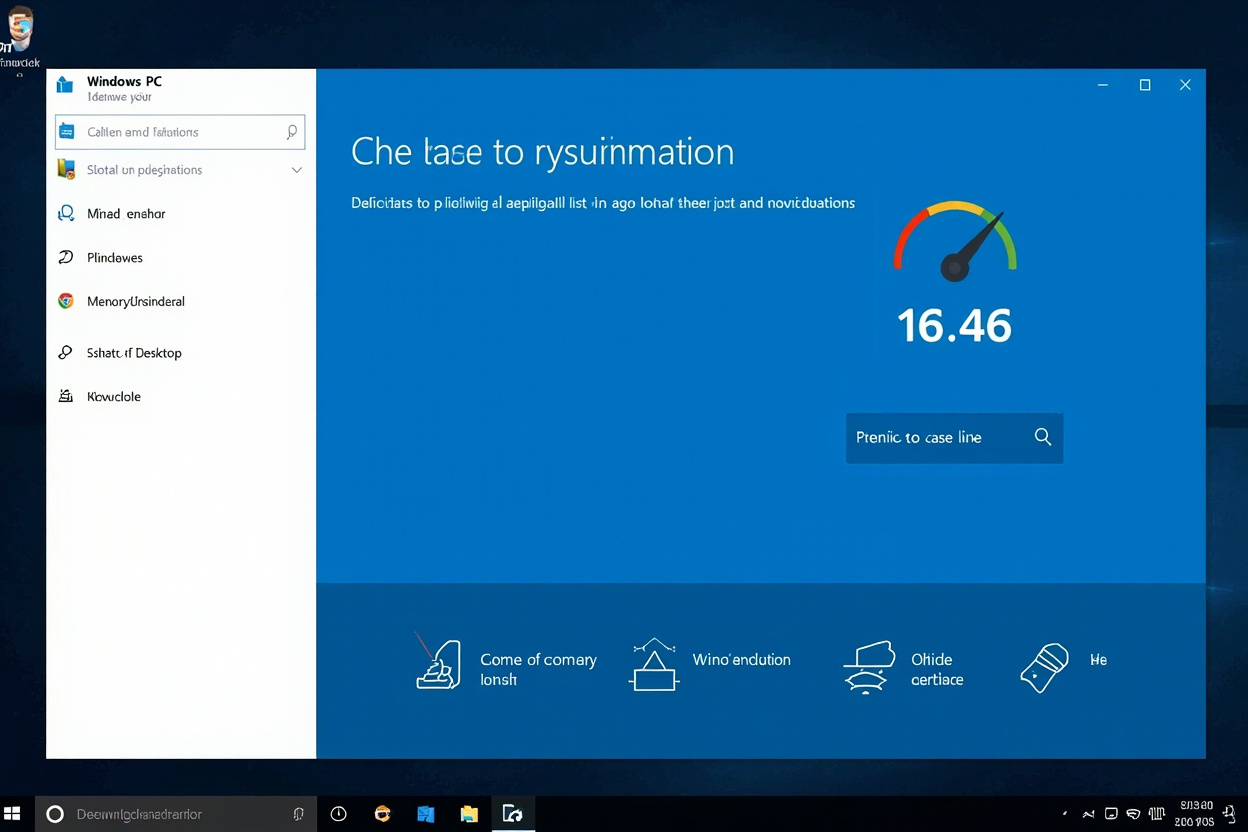
Abelssoft PC Fresh promises to keep your Windows PC running smoothly by managing startup programs, cleaning the registry, and optimizing system settings. But does it actually deliver?
What Is Abelssoft PC Fresh?
Abelssoft PC Fresh is a Windows optimization utility developed by Abelssoft, a German software company known for productivity and system utility applications.
The software claims to: disable unnecessary startup programs, clean registry entries that cause errors, optimize Windows settings for better performance, and remove bloatware pre-installed on new PCs.
Key Features of PC Fresh 2024
Startup Manager: PC Fresh shows every program configured to run at Windows startup. Disable unnecessary items with one click.
Registry Cleaner: PC Fresh identifies registry entries pointing to deleted programs or invalid paths—potential sources of error messages.
Service Manager: Windows runs dozens of background services. PC Fresh explains each service and recommends which to disable.
Bloatware Remover: New PCs often ship with trial software you never asked for. PC Fresh identifies and removes this bloatware safely.
Real-World Performance Testing
On a 2-year-old Windows 11 laptop: boot time improved from 47 seconds to 38 seconds (19% improvement), memory used at idle dropped from 4.2GB to 3.6GB, startup programs reduced from 14 to 7 items.
🎁 AliExpress Summer Sale — Up to 70% OFF + Extra Coupons
Is PC Fresh Safe?
PC Fresh only targets clearly invalid entries—paths pointing to deleted programs, missing DLL references. It avoids aggressive cleaning that can break Windows. PC Fresh backs up registry changes before applying them.
Abelssoft PC Fresh Alternatives
Free options: Windows built-in Task Manager (Startup tab) handles startup management for free; CCleaner Free is more established but controversial.
Paid alternatives: IObit Advanced SystemCare (more features but aggressive marketing); Glary Utilities (similar featureset at similar price).
Common Questions
Is Abelssoft PC Fresh worth the price?
At $19.99/year, PC Fresh is reasonably priced. The one-click optimization features save time for non-technical users.
Does PC Fresh actually speed up Windows?
Yes, modestly. The biggest gains come from disabling unnecessary startup programs and services.
Can PC Fresh damage Windows?
When used conservatively (following recommended changes), PC Fresh is safe. Aggressive changes can cause issues.
Does Abelssoft collect my data?
Abelssoft’s privacy policy indicates anonymous usage statistics may be collected but not sensitive personal data.
Ready to Shop Smart? Save Big on Quality Products →
Leave a Reply