
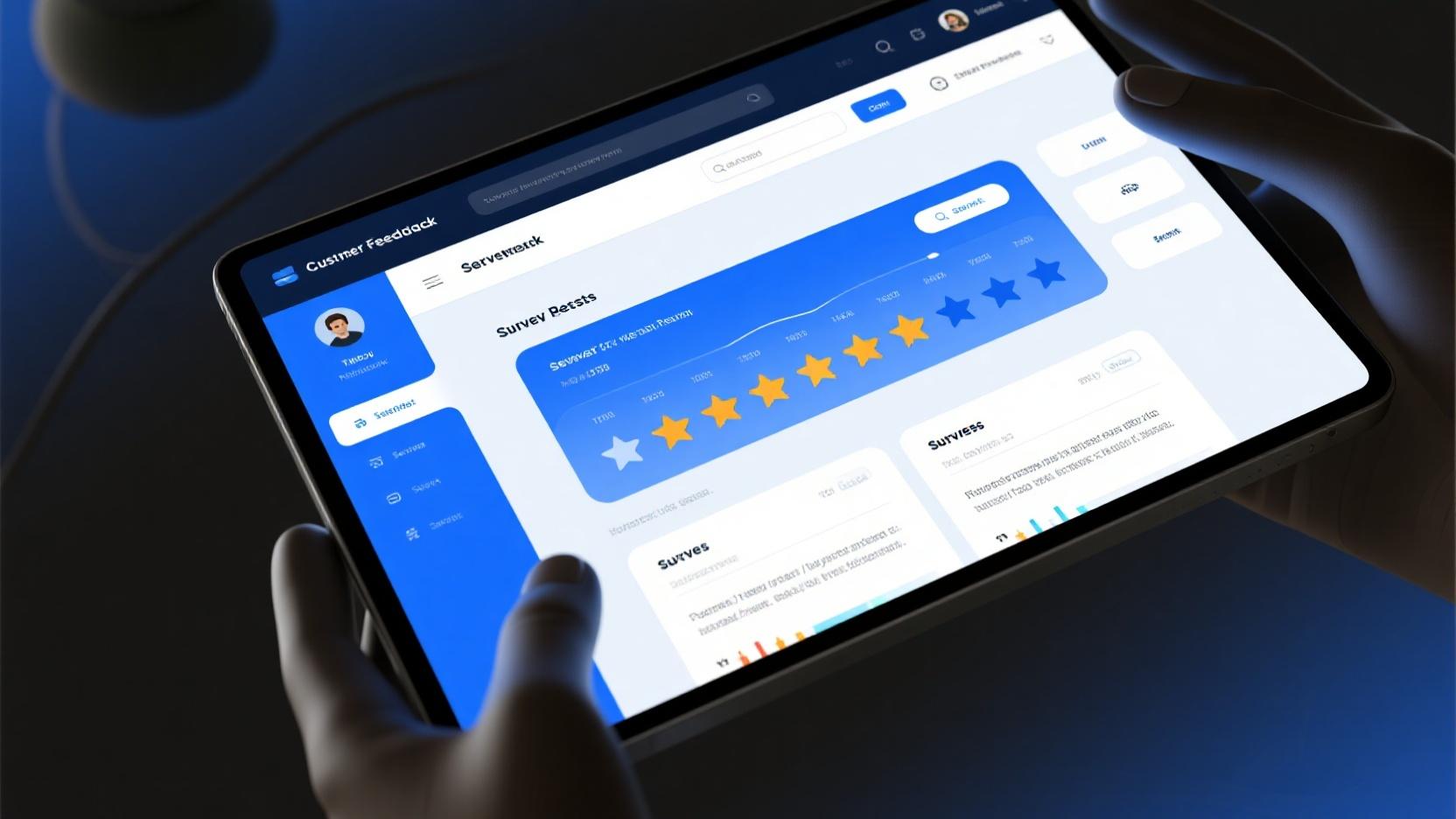
Understanding what your customers truly think about your products, services, and brand experience has never been more critical for business success. Customer feedback software empowers businesses of all sizes to systematically collect, analyze, and act on customer insights that drive meaningful improvements and foster lasting loyalty.
For small businesses operating with limited budgets, the availability of robust free tiers from leading feedback platforms represents a tremendous opportunity. You can now access sophisticated survey tools, real-time analytics, and actionable reporting that were previously only available to enterprises with substantial software budgets.
In this comprehensive guide, we’ll explore the best free customer feedback software for business in 2026, helping you select the perfect tools to understand your customers better and build a customer-centric organization that thrives on continuous improvement.
Why Customer Feedback Software Is Essential for Modern Business
Customer expectations have evolved dramatically, especially as digital experiences set new standards for responsiveness and personalization. Today’s customers expect businesses to anticipate their needs, remember their preferences, and continuously improve based on their input. Meeting these expectations requires systematic feedback collection that goes beyond occasional comment cards or sporadic surveys.
Dedicated feedback software transforms scattered customer opinions into structured data that drives informed decision-making. Instead of relying on gut feelings or anecdotal evidence, you can identify patterns across hundreds or thousands of customer interactions, pinpoint specific pain points, and prioritize improvements that will have the greatest impact on customer satisfaction and retention.
The ROI of customer feedback software consistently demonstrates its value. Businesses that actively collect and act on feedback typically see 10-25% improvements in customer retention rates, which directly translates to increased revenue since retaining existing customers costs far less than acquiring new ones. Additionally, satisfied customers become brand advocates who refer others, creating a virtuous cycle of growth.
Top 10 Best Free Customer Feedback Software Options
1. SurveyMonkey (Free Tier)
SurveyMonkey remains the most recognized name in survey and feedback software, and its free tier offers substantial functionality for businesses just beginning to systematize their feedback collection. The platform’s intuitive interface makes it accessible to users without technical backgrounds while providing depth for more sophisticated feedback strategies.
The free plan allows you to create surveys with up to 10 questions and collect up to 100 responses per survey. While this limitation requires prioritization of your most critical feedback needs, the survey quality and analytical capabilities available within these constraints prove sufficient for many small business requirements.
SurveyMonkey’s extensive template library provides head starts for various feedback scenarios, from customer satisfaction surveys to product feedback forms to employee engagement assessments. These templates incorporate question types and flows proven effective through millions of survey deployments, helping you avoid common pitfalls while saving significant creation time.
2. Google Forms (Completely Free)
Google Forms deserves special mention as a completely free option with no tier limitations. If your feedback needs are relatively straightforward, Google Forms provides an excellent starting point without any cost or usage restrictions. The integration with Google Sheets enables straightforward data analysis using tools many businesses already use daily.
While Google Forms lacks the sophisticated logic branching and advanced analytics of dedicated feedback platforms, it excels at simple feedback collection. For businesses just starting to systematically gather customer insights, the zero-cost entry point and immediate availability make Google Forms an attractive first step.
The ability to customize colors, themes, and branding elements ensures feedback forms maintain professional appearance consistent with your business identity. While customization options are more limited than specialized platforms, they exceed what’s necessary for functional, professional-looking feedback forms.
3. Typeform
Typeform revolutionizes survey experiences through its conversational, visually-oriented approach. Rather than presenting traditional form interfaces, Typeform creates engaging question-by-question flows that feel more like interviews than interrogations. This design philosophy significantly improves completion rates, particularly for longer surveys.
The free plan includes up to 10 questions per form and allows 100 responses monthly, sufficient for businesses with targeted, focused feedback initiatives. The quality of insights from well-designed Typeform surveys often exceeds what’s achieved through conventional survey approaches, thanks to higher engagement and completion rates.
Integration capabilities connect Typeform responses with hundreds of applications including Slack, Salesforce, Mailchimp, and Google Analytics. This connectivity enables automated workflows triggered by feedback submissions, such as alerting support teams when negative feedback is received or adding feedback respondents to targeted email sequences.
4. Zoho Survey
Zoho Survey is part of the comprehensive Zoho ecosystem, providing excellent value for businesses already using other Zoho applications. The free plan stands out with unlimited surveys and unlimited responses, a significant advantage over competitors that limit response volumes.
The platform offers over 25 professional survey templates and extensive customization options for colors, fonts, and branding. Question types range from basic multiple-choice to sophisticated matrix questions and rating scales, enabling nuanced feedback collection for complex business scenarios.
Multi-language support proves particularly valuable for businesses serving diverse customer bases, with automatic translation capabilities simplifying international feedback collection. The ability to distribute surveys through multiple channels including email, web embed, social media, and QR codes ensures you can reach customers wherever they prefer to engage.
5. Qualtrics (Free for Students/Educators)
Qualtrics represents the enterprise-grade standard for experience management platforms, though its pricing puts it out of reach for most small businesses. However, Qualtrics offers free access to students and educators, making it accessible for those in academic contexts or for businesses led by individuals with current academic affiliations.
The platform’s sophisticated methodology and advanced analytics provide unprecedented insights for those with access. Features like advanced statistical analysis, predictive intelligence, and comprehensive benchmarking against industry standards enable research-quality feedback analysis previously unavailable outside academic institutions.
For qualifying businesses, this access provides extraordinary value, though the academic focus means some features relevant to commercial contexts require adaptation. Nevertheless, the core survey engine and analytical capabilities rival or exceed any competing platform regardless of price tier.
6. Hotjar
Hotjar takes a unique approach to customer feedback by combining traditional surveys with behavioral analytics. The platform’s visual tools—including heatmaps, session recordings, and conversion funnels—provide context for understanding why customers behave as they do, transforming feedback from simple ratings into actionable insights about user experience.
The free Hotjar plan includes 1,800 pageviews monthly, sufficient for low-traffic websites or focused feedback initiatives. Heatmaps visualizing where users click, scroll, and move their mice reveal usability issues that self-reported feedback alone might miss, enabling improvements that address actual user behavior rather than perceived problems.
Feedback polls and incoming feedback widgets enable real-time collection of customer opinions directly within your website or application. This contextual feedback often proves more valuable than post-hoc surveys since customers can respond while their experiences remain fresh in their minds.
7. HubSpot Survey (Free with HubSpot Account)
HubSpot’s survey tool integrates seamlessly with their broader marketing and CRM platform, making it an excellent choice for businesses already leveraging or planning to leverage HubSpot’s ecosystem. The free survey functionality provides solid fundamentals for customer feedback collection without requiring additional software investment.
The integration between surveys and CRM enables powerful follow-up workflows. When a customer submits negative feedback, automatic ticket creation, email sequences, or task assignments ensure appropriate response without manual intervention. This automation ensures no critical feedback falls through the cracks while saving substantial administrative effort.
Survey templates optimized for common feedback scenarios including customer satisfaction, net promoter score, and product feedback provide starting points that incorporate HubSpot’s best practices. These templates benefit from HubSpot’s extensive experience helping businesses improve their customer relationships through systematic feedback collection.
8. QuestionPro (Free Community Edition)
QuestionPro offers a capable free community edition that includes unlimited surveys and up to 100 responses per survey. The platform’s professional-grade features distinguish it from basic survey tools, including advanced question types, sophisticated logic branching, and comprehensive reporting capabilities.
The academic research heritage shows in QuestionPro’s methodological rigor. Features like statistical significance calculations, confidence intervals, and advanced segmentation enable analysis appropriate for data-driven decision-making. While these features might be overkill for simple feedback needs, they prove valuable as feedback programs mature.
Mobile-optimized survey designs ensure positive experiences across devices, critical as smartphone usage continues increasing. The ability to conduct offline surveys through dedicated mobile apps extends feedback collection beyond internet connectivity requirements, useful for events, trade shows, or field research scenarios.
9. SurveyLegend
SurveyLegend distinguishes itself through emphasis on visual design and multimedia integration. Unlike text-heavy traditional surveys, SurveyLegend enables creation of engaging, image-rich surveys that capture attention and improve completion rates through superior aesthetic experiences.
The free plan includes unlimited surveys with up to 100 responses per survey, with premium features available for businesses with more extensive needs. Question types including image-based choices, video questions, and interactive elements create survey experiences that stand apart from conventional approaches.
Real-time analytics and reporting provide immediate visibility into feedback trends, while export capabilities enable deeper analysis in external tools. The intuitive visual editor makes survey creation accessible to non-technical users while providing sufficient depth for sophisticated feedback programs.
10. Jotform
Jotform combines survey creation with comprehensive form building capabilities, making it versatile for feedback collection and beyond. The free plan allows creation of up to 5 forms with 100 submissions monthly, sufficient for focused feedback initiatives with clear prioritization.
The platform’s strength lies in integration with popular business tools including Google Drive, Dropbox, Slack, and numerous CRM systems. This connectivity ensures feedback data flows naturally into existing workflows rather than siloing in standalone applications.
PDF form generation creates professional documentation of feedback submissions, valuable for compliance requirements or formal documentation needs. The ability to accept digital signatures and payments extends functionality beyond simple feedback collection into comprehensive data gathering scenarios.
How to Design Effective Customer Feedback Surveys
Software selection provides the foundation, but survey design quality ultimately determines feedback program success. Understanding principles of effective survey creation helps ensure the data you collect actually drives meaningful improvements.
Start with Clear Objectives: Before writing any questions, define what decisions you’ll make with the feedback. Different objectives require different question approaches—customer satisfaction tracking benefits from consistent metrics over time, while product feedback might prioritize open-ended exploration of specific features.
Keep Surveys Short and Focused: Attention and completion rates decline rapidly with survey length. Aim for surveys requiring under 5 minutes for completion, prioritizing only the most essential questions. If comprehensive feedback is needed, consider multiple shorter surveys rather than one lengthy questionnaire.
Use a Mix of Question Types: Combining rating scales, multiple choice, and open-ended questions provides both quantitative trends and qualitative insights. Rating questions enable tracking over time, while open-ended questions reveal context and specific suggestions that structured questions might miss.
Acting on Customer Feedback: A Practical Framework
Collecting feedback without action wastes both your resources and customers’ time. Implementing systematic processes for analyzing, prioritizing, and acting on feedback ensures your program delivers genuine business value.
Establish Feedback Review Cadence: Regular review meetings—weekly for active feedback streams, monthly for ongoing tracking—ensure feedback receives appropriate attention. Designate specific team members responsible for feedback analysis and response coordination.
Prioritize Based on Impact and Feasibility: Not all feedback warrants immediate action. Evaluate suggestions based on potential impact on customer experience and implementation feasibility, addressing quick wins promptly while planning larger initiatives appropriately.
Close the Loop with Customers: When customers provide feedback, following up with them after implementing changes demonstrates that their input matters. This customer appreciation strengthens relationships while encouraging future feedback participation.
Frequently Asked Questions
What’s the best free customer feedback software for small businesses?
SurveyMonkey and Zoho Survey offer the best combinations of capability and accessibility for small businesses. SurveyMonkey provides more intuitive interfaces, while Zoho Survey offers unlimited responses in its free tier. The ideal choice depends on your specific needs and existing software ecosystem.
How do I encourage more customers to complete feedback surveys?
Several strategies improve completion rates: keep surveys short, offer incentives for completion, timing surveys immediately after positive interactions, personalize invitations, and most importantly—demonstrate that previous feedback led to meaningful changes.
What’s the difference between NPS and customer satisfaction scores?
Net Promoter Score (NPS) measures likelihood to recommend on a 0-10 scale, providing a single metric for overall advocacy. Customer satisfaction (CSAT) scores measure specific interaction or experience satisfaction, providing more targeted insights. Both metrics complement each other when tracked together.
How often should I collect customer feedback?
Regular touchpoints should occur quarterly at minimum, with transactional feedback collected after significant interactions. Avoid over-surveying the same customers, which leads to fatigue and declining response rates. Quality of feedback matters more than frequency.
Can free feedback software integrate with my existing business tools?
Most modern feedback platforms offer integrations with common business tools including CRM systems, email platforms, and analytics services. Integration availability varies by platform—review integration catalogs when evaluating options to ensure compatibility with your existing stack.
Leave a Reply