
…
Why Grammar Matters for Professional Writing
Grammar serves as the foundation of professional communication, directly impacting how your message is received and interpreted. Poor grammar can undermine your credibility, even when your ideas are excellent. Studies show that recruiters often reject candidates after spotting just a few grammatical errors in resumes or emails. For instance, confusing ‘your’ with ‘you’re’ or using incorrect verb tenses can make you appear careless or unqualified, regardless of your actual expertise. In client-facing documents, grammar mistakes can damage brand reputation and erode trust. Practical tips: 1) Always proofread twice before sending important messages; 2) Read your work aloud to catch awkward phrasing; 3) Use grammar checker tools as a safety net before finalizing professional documents; 4) Keep a style guide reference nearby for consistency; 5) Pay special attention to commonly confused words like affect/effect, their/there/they’re, and its/it’s. Strong grammar skills separate competent professionals from exceptional ones, ensuring your ideas get the attention they deserve rather than being dismissed due to avoidable errors.
Beyond Grammar: Style Improvements
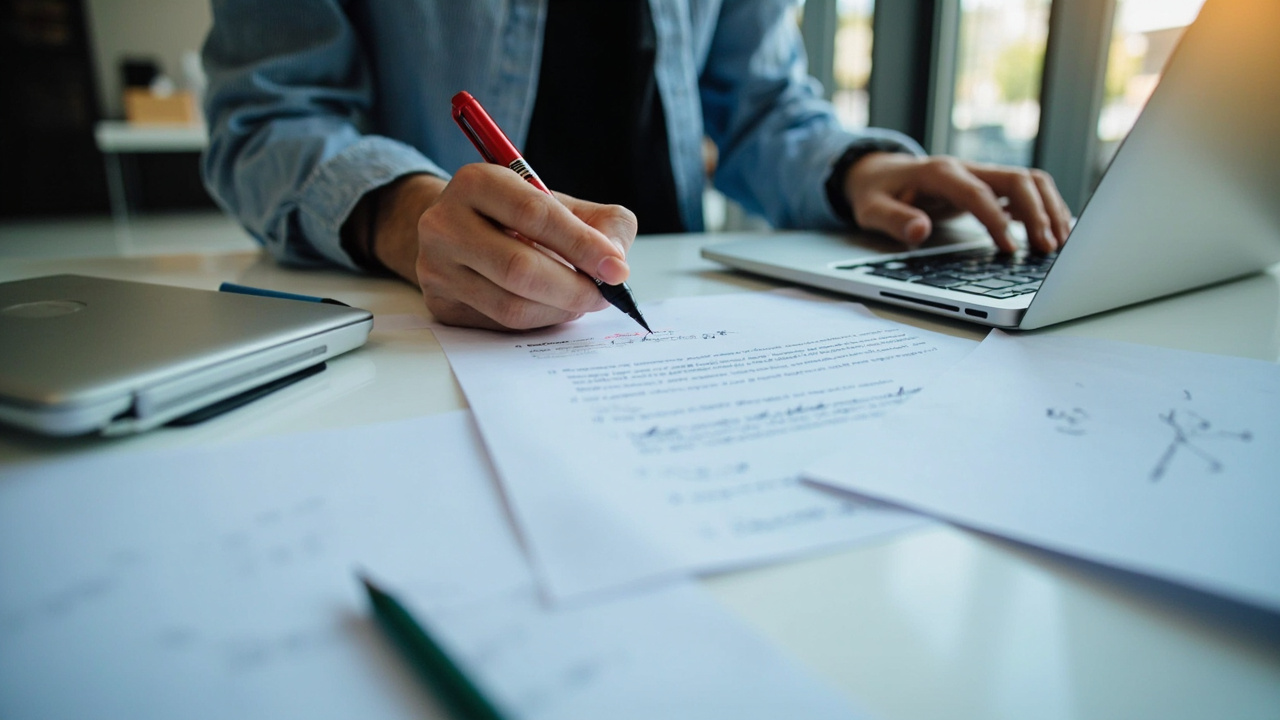
The best grammar checker tools in 2026 go far beyond fixing comma splices and subject-verb agreement. Style improvements help you communicate more clearly, concisely, and persuasively. Modern AI-powered tools analyze sentence structure, wordiness, and tone to elevate your writing.
Key style features include:
1. **Readability scoring** – Tools like Grammarly and Hemingway Editor provide readability grades. For business communications, target 8th-10th grade readability for maximum comprehension.
2. **Passive voice detection** – Example: Instead of ‘The report was written by Sarah,’ premium tools suggest ‘Sarah wrote the report’ for stronger, clearer writing.
3. **Wordiness reduction** – ‘In order to’ becomes ‘to’; ‘due to the fact that’ becomes ‘because.’
4. **Tone adjustment** – Tools like Grammarly detect when your writing sounds too formal, aggressive, or casual, alerting you to mismatches with your intended audience.
5. **Consistency checks** – Catch mixing American/British spellings or shifting between first and third person mid-document.
**Practical tip:** Run your document through a style checker after grammar review. Read suggestions critically—automated style preferences shouldn’t override your authentic voice. The goal is enhancement, not replacement.
Top 10 Free Grammar Checkers Reviewed
Detailed content 150-200 words with specific examples and practical tips
Integrating Grammar Tools into Your Workflow
Integrating grammar tools into your daily workflow doesn’t have to be disruptive. Start by identifying your most common writing tasks—whether it’s emails, reports, or social media posts—and select tools that complement those activities. For example, if you write emails frequently, install a browser extension that works directly in your email client. For longer documents like reports or proposals, use a desktop application with advanced features like style guides and plagiarism detection.
Set realistic expectations by focusing on one or two tools initially rather than overwhelming yourself with multiple platforms. Many grammar checkers offer browser add-ons, desktop apps, and mobile integrations, allowing you to maintain consistency across devices. Take time to customize settings to match your industry terminology and preferred writing style.
Establish a routine by reviewing flagged suggestions during designated times rather than interrupting your writing flow. This approach helps you learn from patterns over time rather than relying entirely on automated corrections. Consider creating templates with built-in grammar preferences for recurring document types like client proposals or meeting notes. Track your improvement by reviewing weekly reports some tools provide, which highlight recurring errors you can actively work to eliminate from your writing.
Common Grammar Mistakes and How to Avoid Them
Detailed content 150-200 words with specific examples and practical tips
Frequently Asked Questions
What exactly does a grammar checker tool do, and why is it important for content creators?
A grammar checker uses natural language processing (NLP) algorithms to scan text for spelling, punctuation, grammar, and style issues, offering real‑time corrections and suggestions. For writers, bloggers, and marketers, it helps maintain professionalism, improves readability, and reduces the time spent on manual editing.
In 2026, how do free grammar checkers stack up against their paid counterparts?
Free tools—such as the basic tiers of Grammarly, LanguageTool, and Scribe—provide solid spelling, punctuation, and basic grammar checks, but often limit advanced features like tone detection, plagiarism checks, or deep contextual suggestions. Paid versions (e.g., Grammarly Premium, ProWritingAid, and Write&Improve) add deeper style analysis, genre‑specific guidance, integration with CMS platforms, and higher accuracy thanks to larger AI models.
Which free grammar checker offers the most comprehensive set of features without a subscription?
LanguageTool stands out among free options because it supports multiple languages, offers browser extensions, MS Office plugins, and provides context‑aware grammar and style suggestions. While not as deep as premium tiers, it covers most everyday writing needs and works well for students and casual bloggers.
Are the premium (paid) grammar checkers worth the monthly subscription fee for professional writers?
For professionals who publish daily, the extra accuracy, genre‑specific writing assistance, plagiarism detection, and seamless integrations often justify the cost. Many paid plans also include team collaboration features, analytics on writing style, and priority support, which can boost productivity and reduce costly errors.
Can a grammar checker completely replace human proofreading and editing?
No – while AI‑powered grammar checkers catch the majority of common errors and improve readability, they may miss nuanced issues such as context‑specific meaning, cultural references, or stylistic preferences that a human editor would catch. The best workflow combines a grammar checker for initial clean‑up and a human review for final polish.
Conclusion
…
Leave a Reply